

Clients
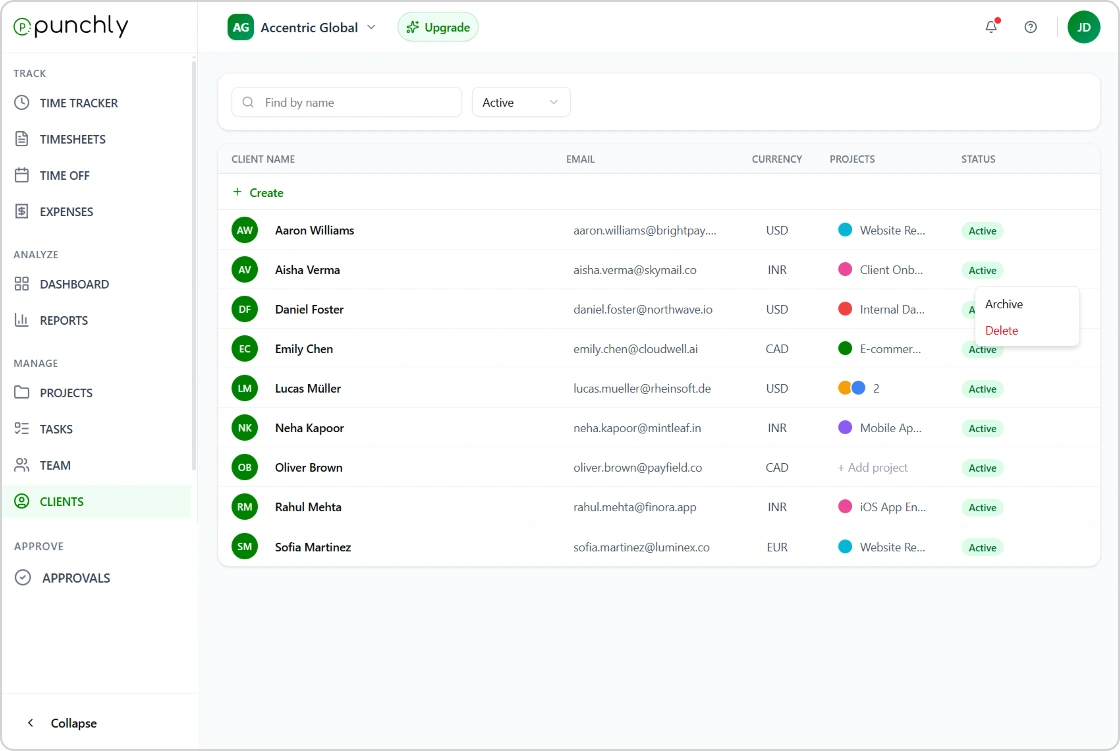
Manage all your clients in one place and track work linked to each account. Client management helps teams associate projects, tasks, and time entries with the right clients, ensuring accurate billing, clear reporting, and better visibility into client-specific work.
Client Overview
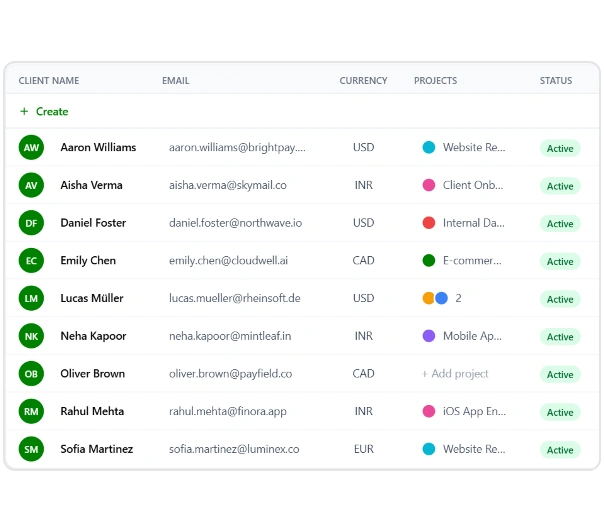
View all clients in one place with key details such as contact information, assigned projects, currency, and status. The client overview helps teams quickly understand active accounts and manage client-related work efficiently
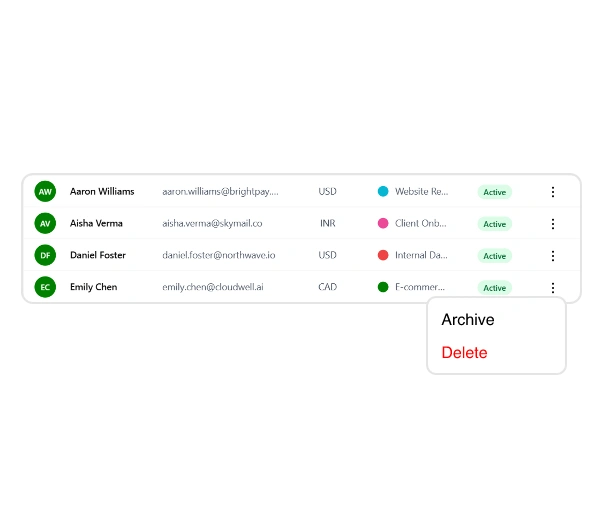
Archive client
Archive clients that are no longer active to keep your client list organized. Archived clients remain available for reporting and historical reference while keeping active views clean and focused.
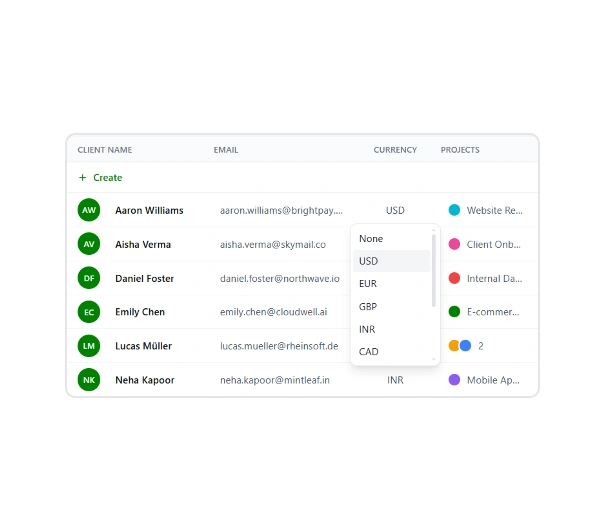
Currency
Assign and manage currencies for each client to support accurate billing and reporting. Currency settings ensure consistency across invoices, reports, and financial calculations for client-specific work.
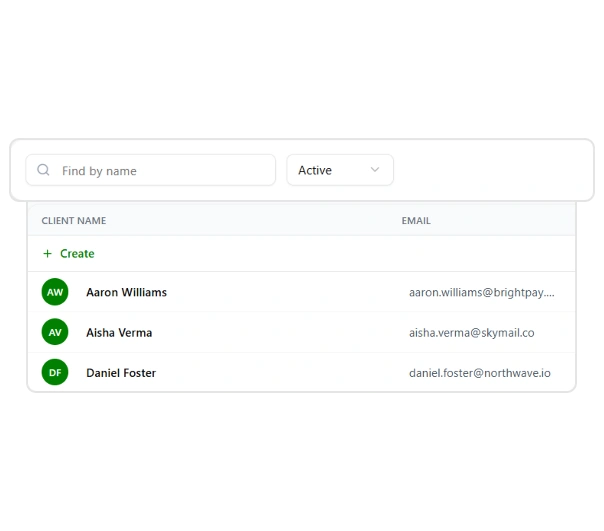
Filter
Filter clients by status, name, or other criteria to quickly find what you’re looking for. Filtering helps teams navigate large client lists and focus on relevant accounts with ease.
Start managing clients with Punchly
- 24/7 Support
- Cancel Anytime
- Free Forever