

Effortless Team Management and
Employee Tracking Software
Punchly Team helps organizations manage users, roles, availability, and workload in one place. Teams can collaborate effectively while managers maintain visibility and control without micromanagement. The Team module connects people, projects, time, and approvals into a single structured view.
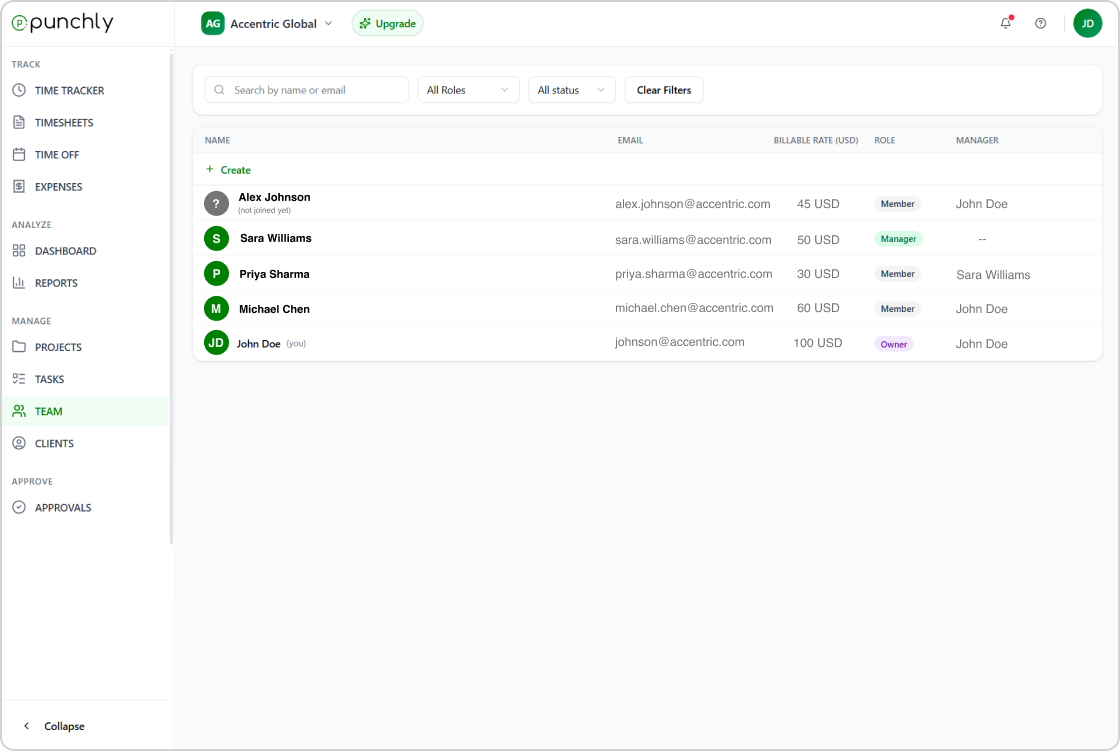
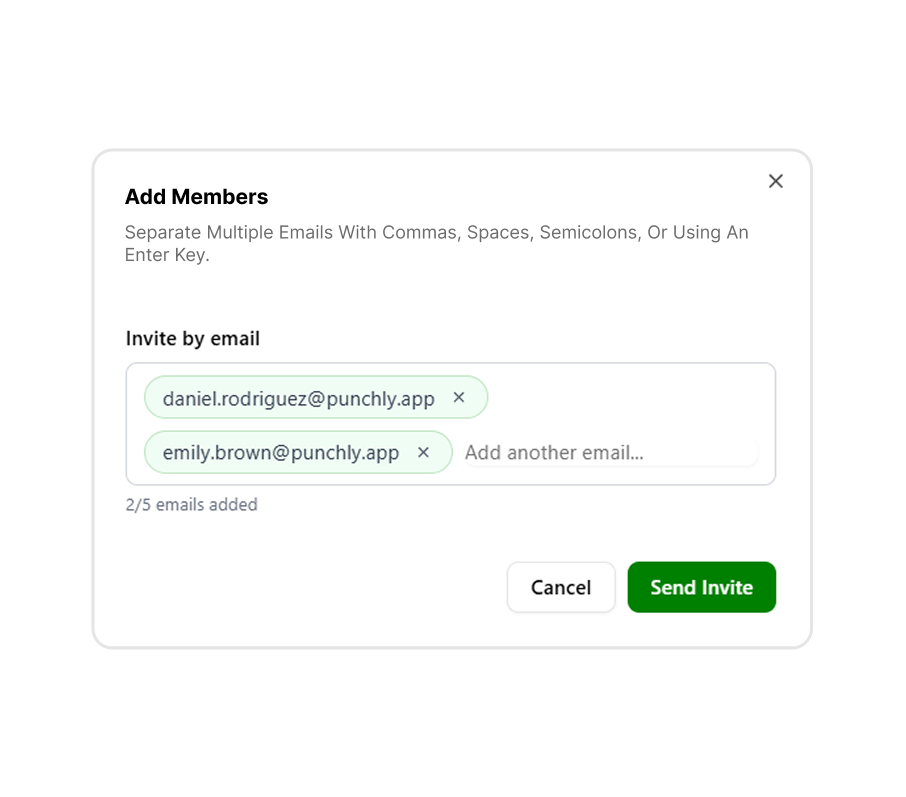
Invite team
Invite team members quickly and assign them to projects, teams, or groups. User management is designed to be simple while supporting growing organizations. Members can be activated, deactivated, or archived as needed.
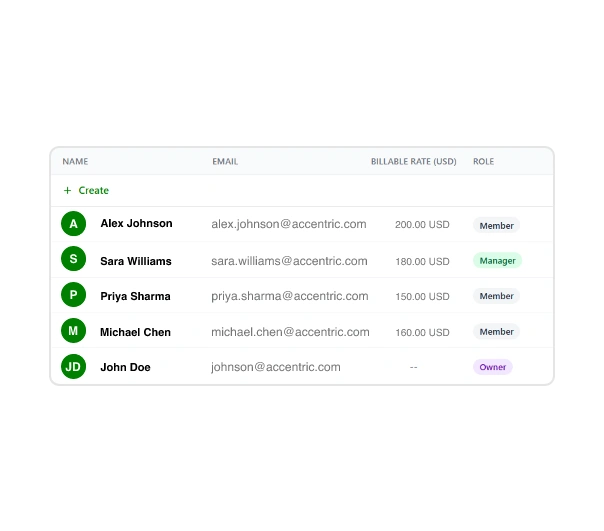
Teams Overview
View all team members in a centralized list. The overview shows roles, activity status, tracked time, and availability, helping managers understand team composition at a glance.
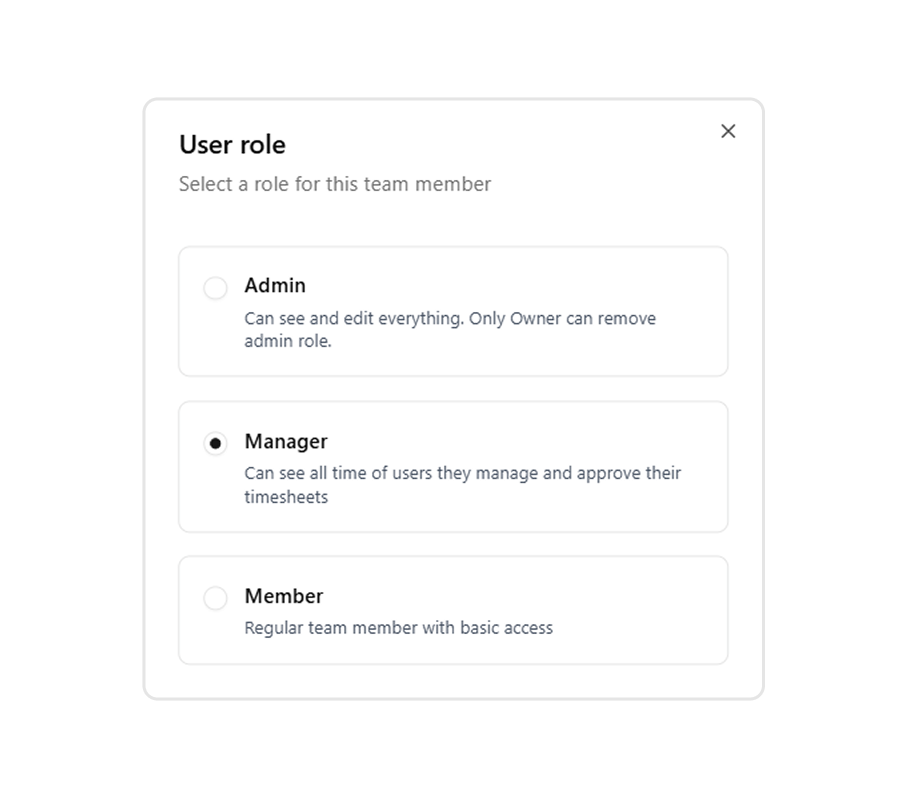
User Role
Define roles to control what each team member can see and manage. User roles help organize responsibilities, limit access where needed, and ensure the right level of permission for admins, managers, and team members.
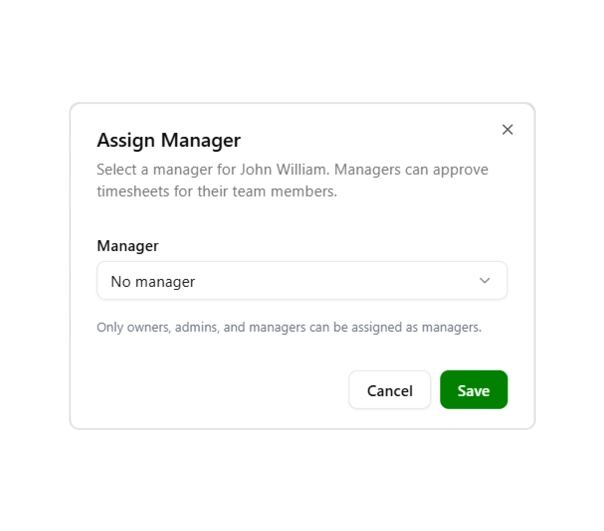
Assign Manager
Assign managers to oversee team members and approve their timesheets. Manager assignments help streamline approvals, improve accountability, and support structured team management across projects.
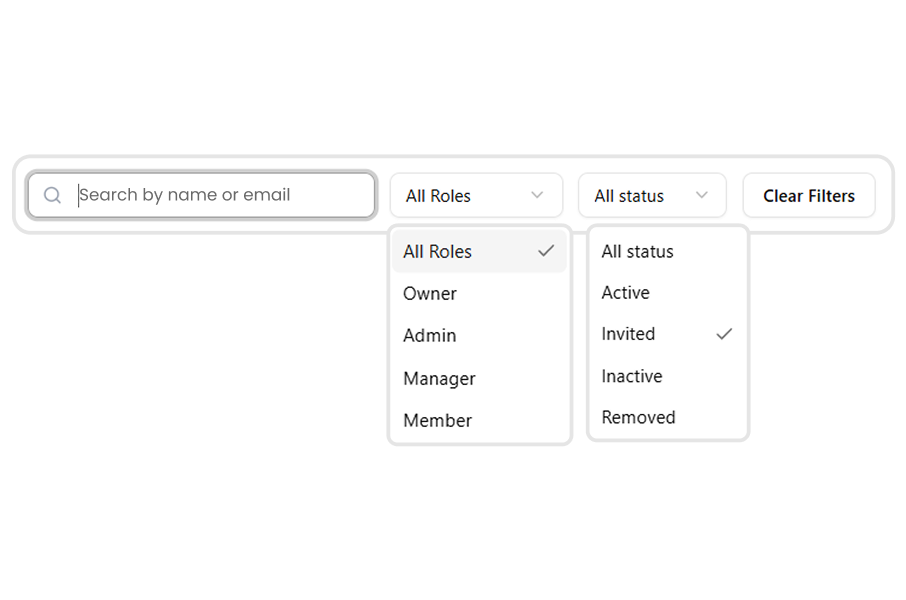
FIlter
Filter team data by role, group, status, or project. Search helps managers quickly find specific users or teams within large organizations.
Additional features
Activity tracking
Monitor team activity and actions.
Availability management
Manage team availability and schedules.
Audit logs
View team-related change history.
Role-based access
Control access by team roles.
Start managing teams with Punchly
Organize your workforce, track activity, and manage access with confidence. Clear structure. Full visibility. No unnecessary complexity.
- 24/7 Support
- Cancel Anytime
- Free Forever