
Simple & Accurate Time Tracker for
Teams and Freelancers
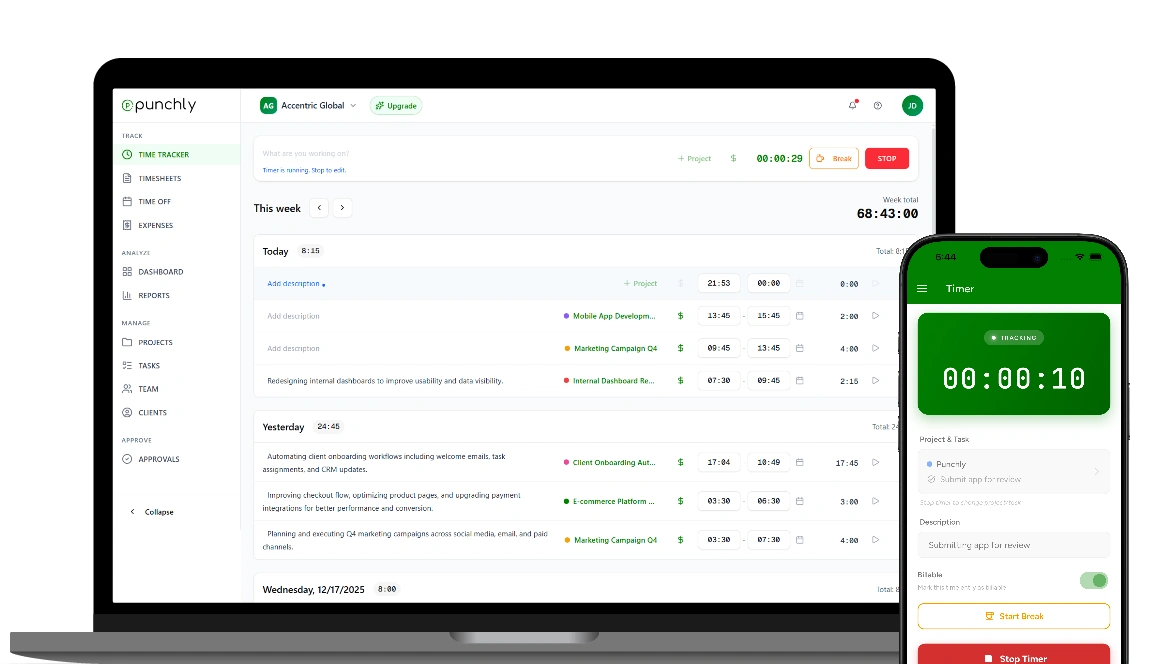
Punchly Timer lets individuals and teams track work time accurately without disrupting their workflow. Start tracking in seconds and maintain clear, reliable records across projects, tasks, and teams.
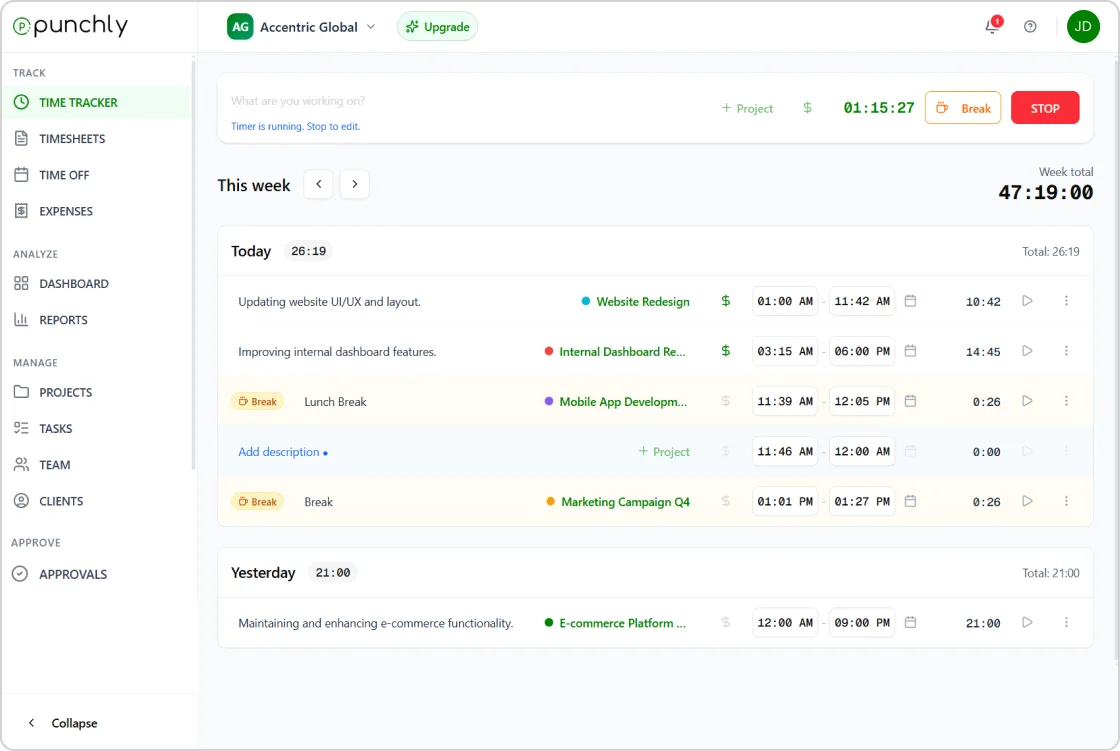
Everything you need to track time
Flexible ways to capture work time, built for accuracy and clarity.
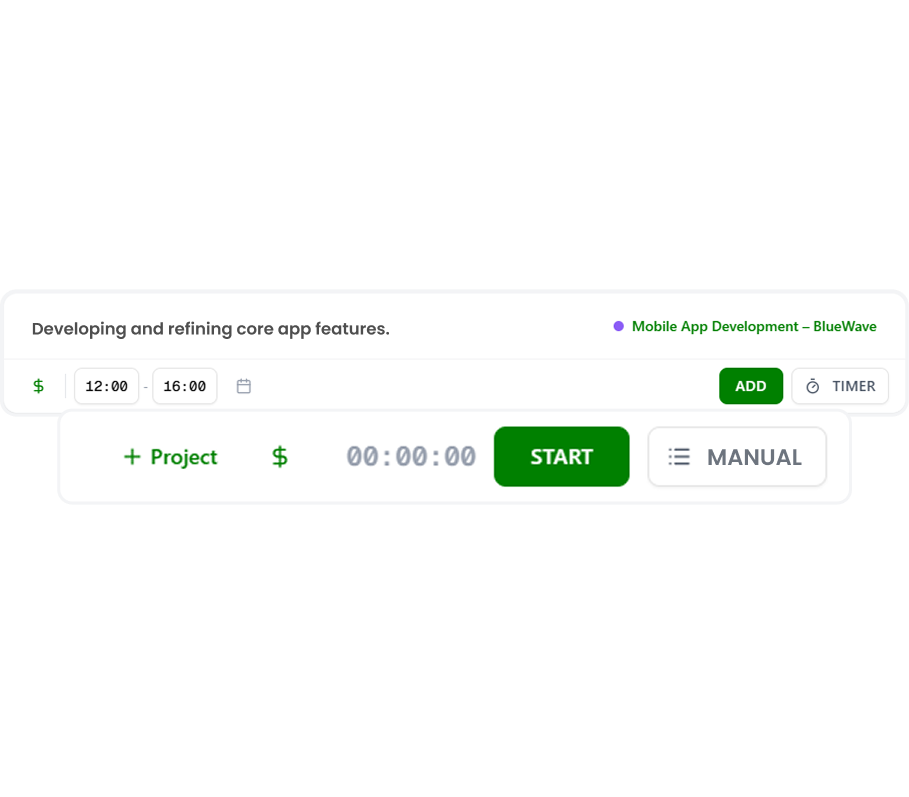
Live timer
Start and stop the timer as you work. Punchly records time in real time, ensuring accurate tracking without manual calculations. The live timer is designed to stay out of the way so users can focus on their work instead of managing tools.
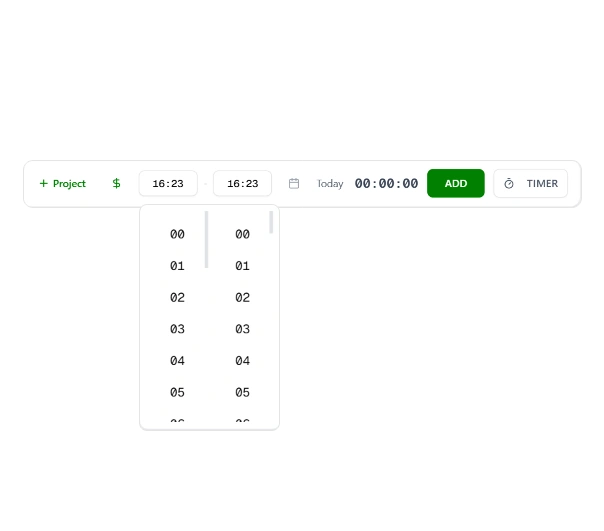
Manual time entries
Add or edit time entries manually when required. This is useful for logging past work, correcting mistakes, or tracking time when a timer was not running. All manual entries follow the same validation rules to keep reports consistent.
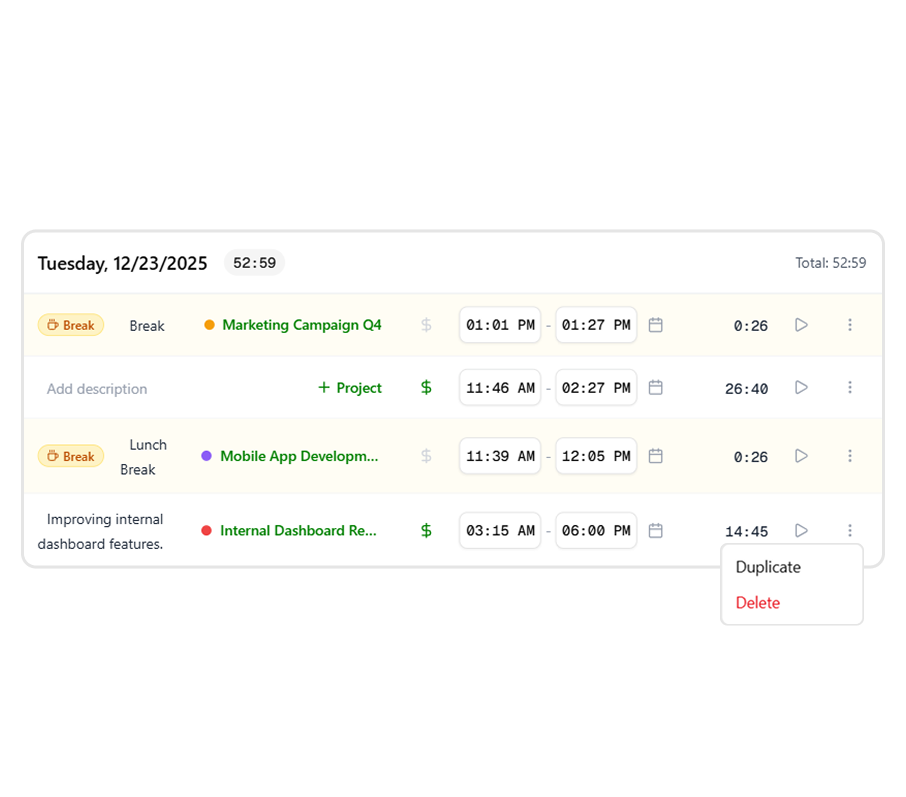
Project-based time tracking
Assign time entries to specific projects, tasks, or clients. This structure helps teams understand how time is distributed and enables better planning, billing, and resource allocation. Project tracking works equally well for internal teams and client-facing work.
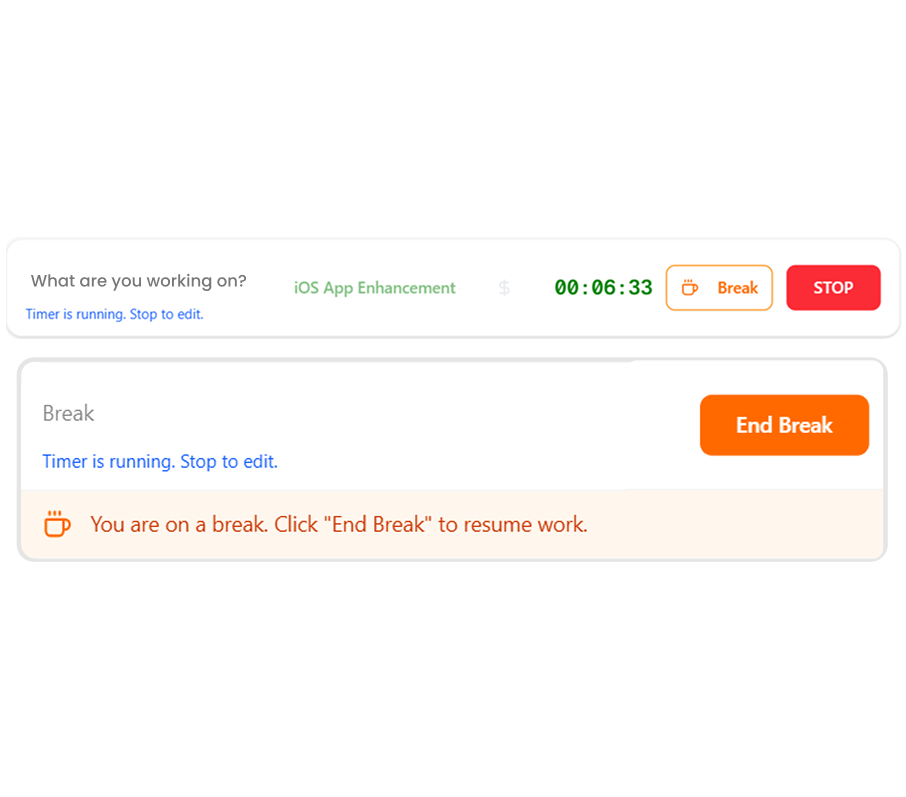
Breaks
Track breaks separately from active work time to maintain accurate records. This helps teams understand how time is spent throughout the day and ensures better reporting, compliance, and transparency across work hours.
Mobile app
Track time from anywhere using the Punchly mobile app. This is ideal for remote teams, consultants, and field employees who need flexibility. Mobile entries sync instantly across all devices.


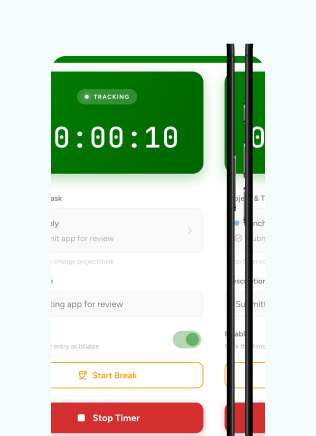
Track time using a timer
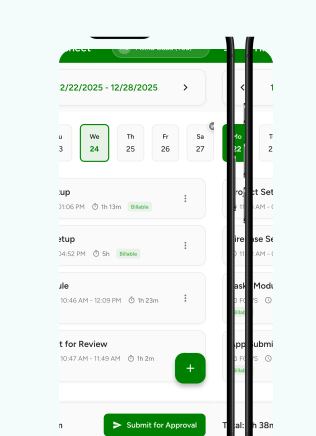
Enter time in timesheet
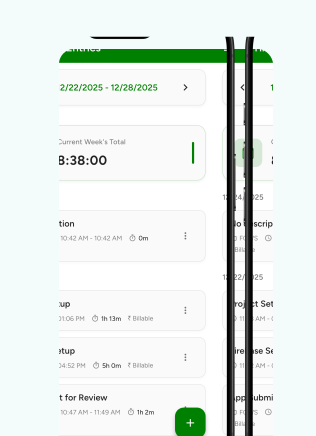
All your activities in one place
Web app
Use Punchly’s desktop app to track time without relying on browser tabs. The desktop app ensures uninterrupted tracking, quick access, and a focused workspace for logging work hours.
Related Features
Time tracking
Track work hours accurately across tasks and projects.
Reports and analytics
Analyze time data to gain actionable insights.
Attendance management
Monitor attendance, work hours, and availability.
Additional features
Shortcuts
Quickly start and stop timers using keyboard shortcuts.
Force timer
Require team members to track time using timers only.
Change start time
Edit the start time if a timer was started late.
Auto complete
Get smart suggestions and auto-fill time entries.
Group time
Group similar entries and view time in order.
Stop member’s timer
Stop a team member’s running timer when needed.
Start tracking time with Punchly
Create your account and start tracking time with confidence.