
Time Tracking & Productivity Software for Lawyers
Punchly helps lawyers and law firms track billable hours accurately, manage client work efficiently, and maintain transparent records for billing and compliance. From solo practitioners to multi-partner firms, Punchly provides reliable time and cost visibility without unnecessary complexity. Built for legal professionals who depend on precision.
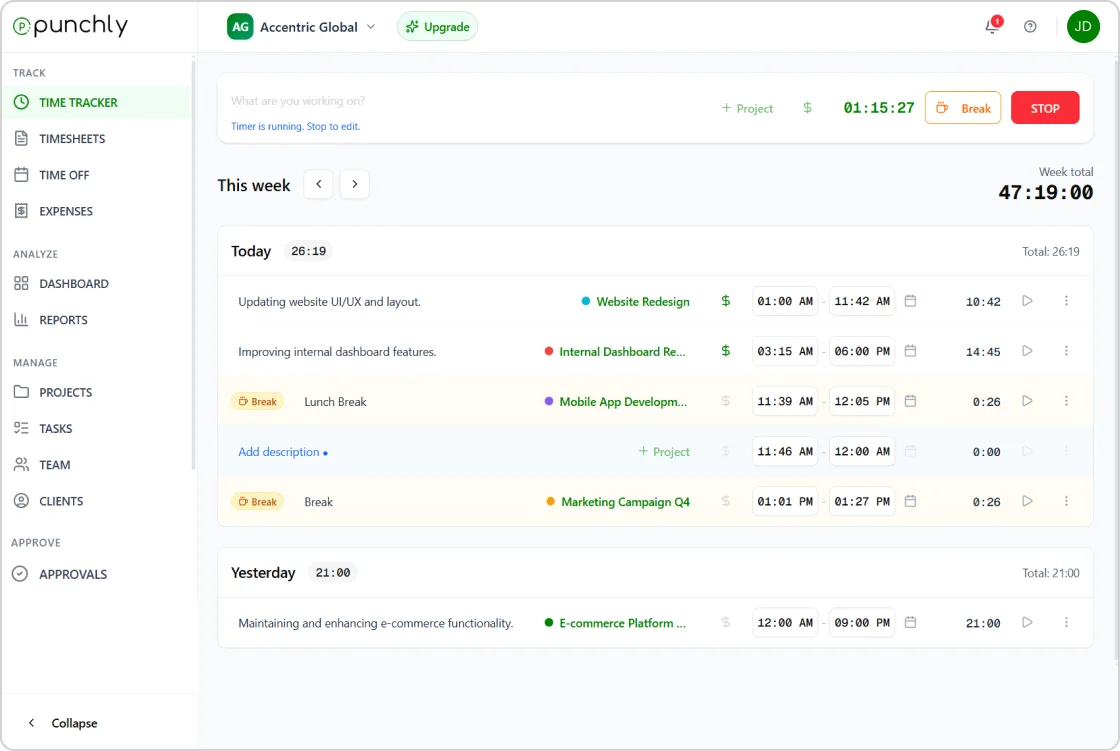





Time tracking for Lawyers
Punchly allows lawyers to track time per client, case, or matter. Every activity can be logged with clear descriptions, ensuring that no billable work is overlooked.
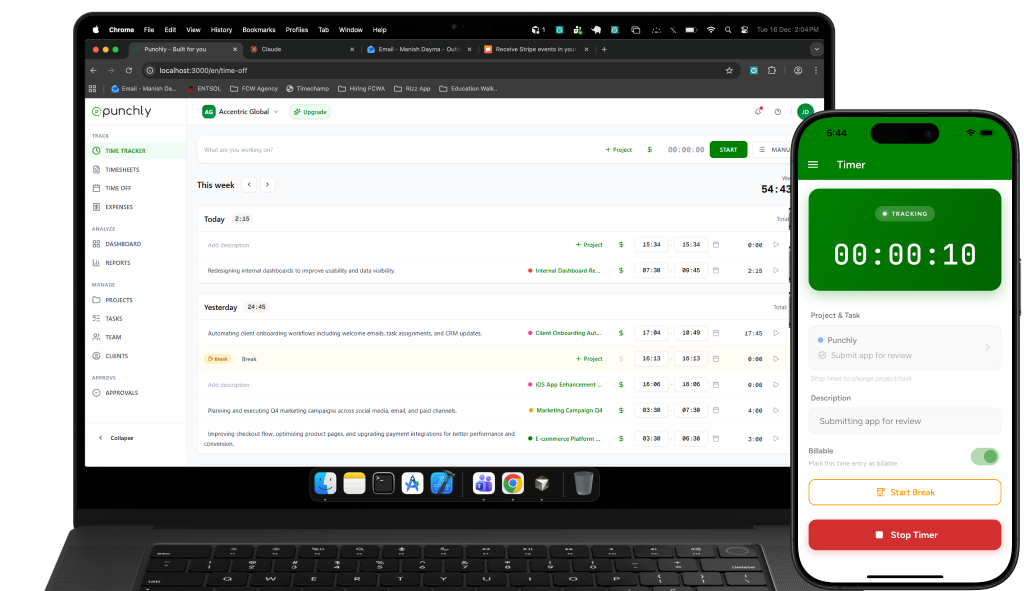
Track billable hours with confidence
Punchly allows lawyers to track time per client, case, or matter. Every activity can be logged with clear descriptions, ensuring that no billable work is overlooked. Accurate time tracking supports fair billing and protects revenue.
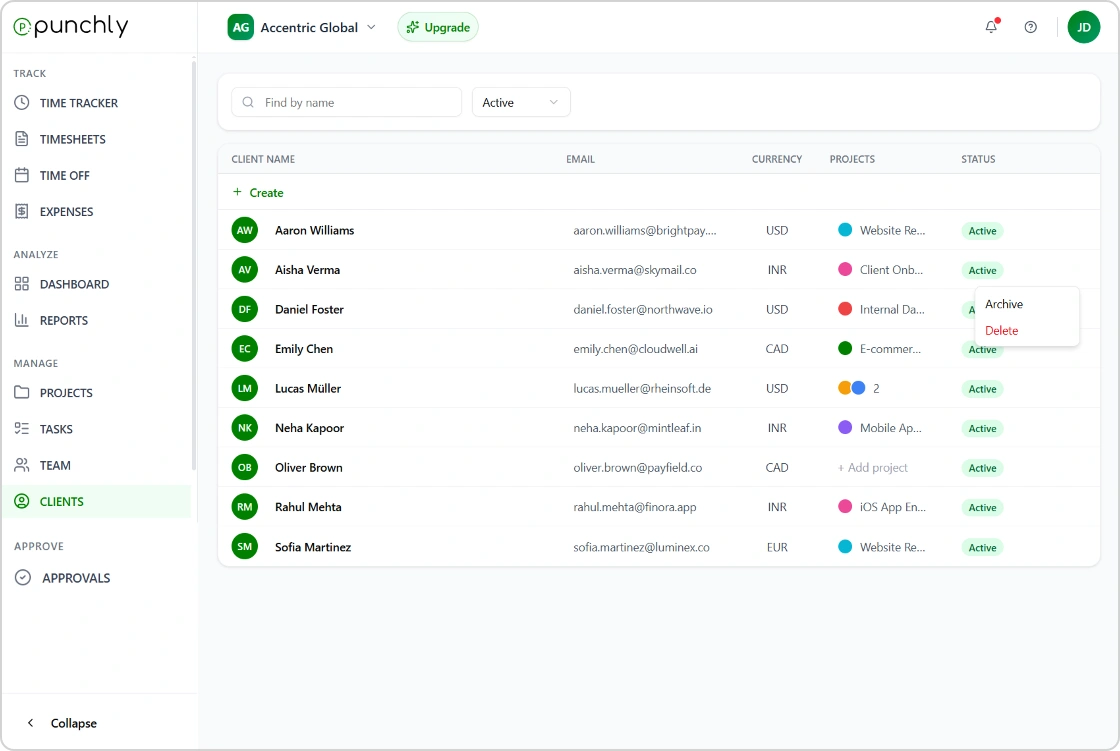
Case and client-based time tracking
Organize time entries by client, case, or legal matter. This structure makes it easy to review work history, prepare invoices, and respond to client questions. Clear categorization supports transparency and professionalism.
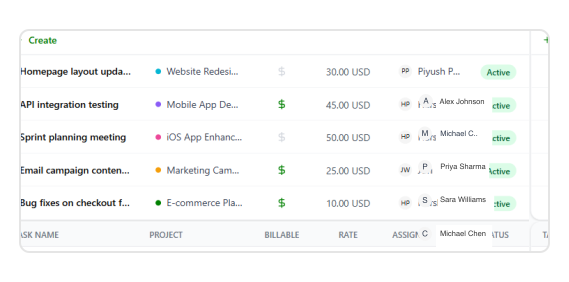
Flexible billing rates for legal work
Set different billing rates based on lawyer, client, case type, or task. Punchly supports variable rate structures commonly used in legal practice. Historic rate tracking ensures past work remains correctly billed even when rates change.
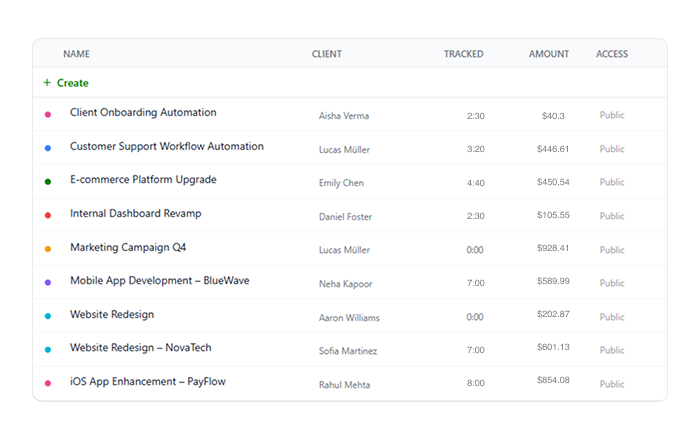
Timesheets for review and compliance
Automatically generate structured timesheets from tracked time. Timesheets can be reviewed internally before billing to ensure accuracy and consistency. This supports internal controls and reduces billing disputes.
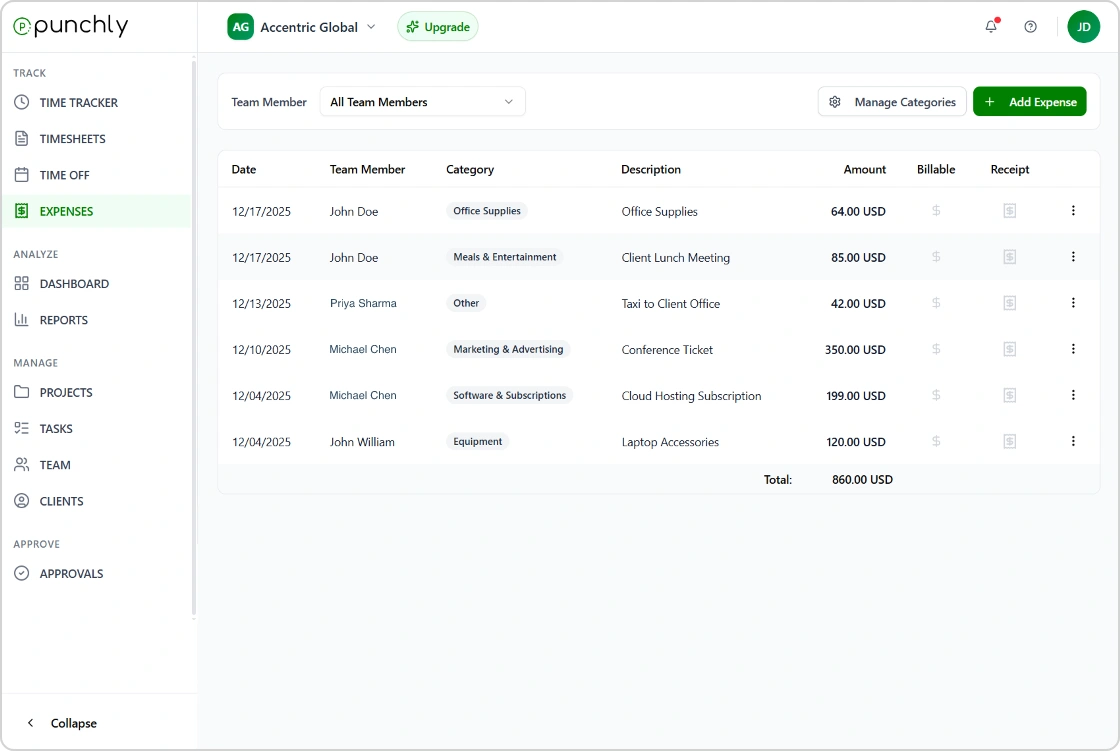
Expense tracking for client matters
Record expenses related to legal work, such as filing fees or travel costs. Expenses can be associated with specific clients or cases and marked as billable when applicable. This ensures full cost recovery.
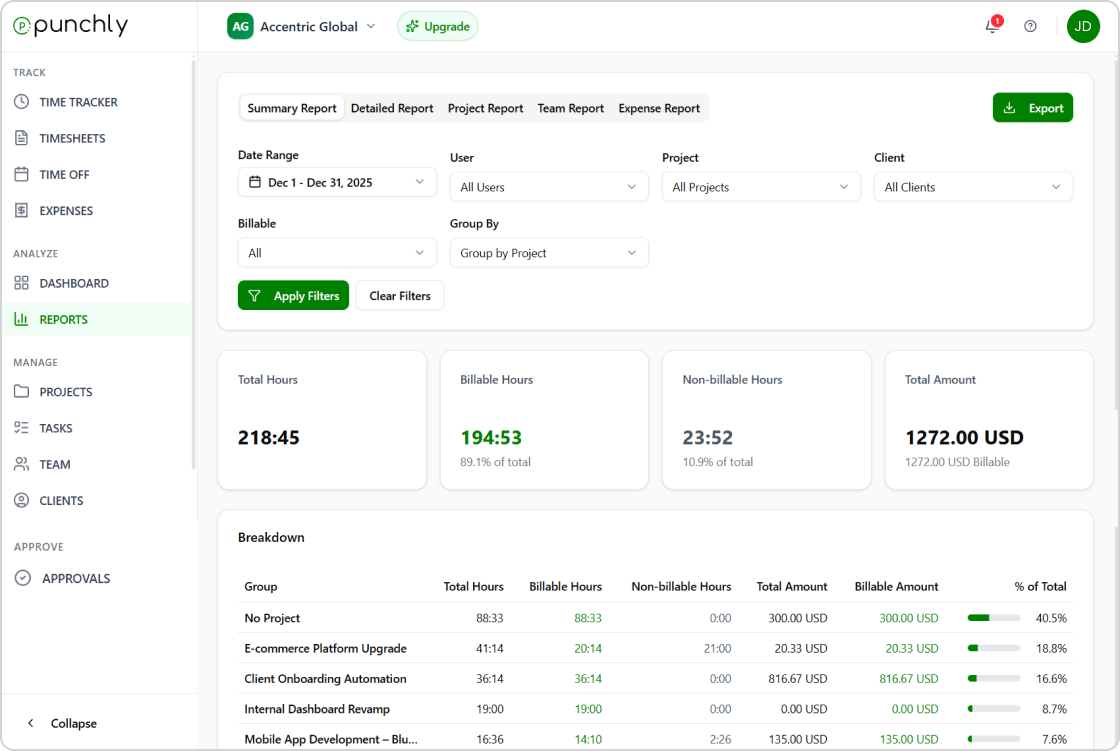
Reports for billing and management
Generate reports filtered by client, lawyer, case, or date range. Reports support invoicing, partner reviews, and internal performance analysis. Export-ready reports simplify coordination with accounting systems.
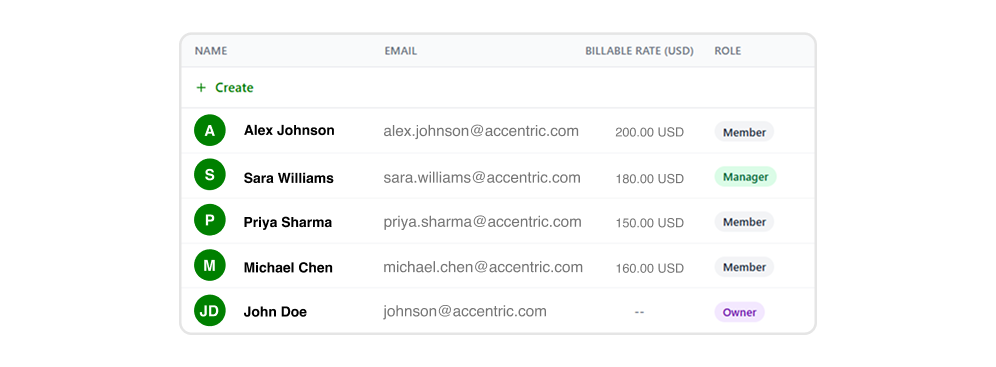
Secure access and role-based permissions
Control who can view, edit, or approve time entries and rates. Role-based access ensures sensitive client and financial data remains protected. This supports confidentiality and governance.
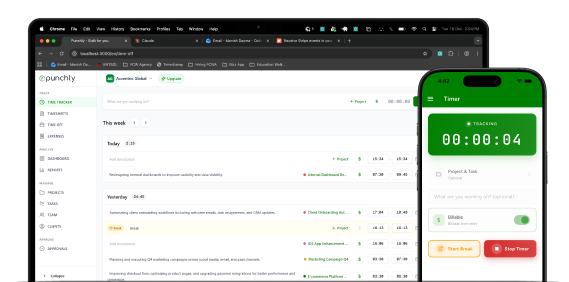
Work from office, court, or remotely
Punchly works across web, desktop, and mobile devices. Lawyers can track time whether in the office, at court, or working remotely. Offline tracking ensures no time is lost.
How time tracking for Lawyers work
Create an account
Create an account to set up your legal workspace. This gives you a secure place to track billable time, manage matters, and maintain accurate records for clients and cases.
Set up projects
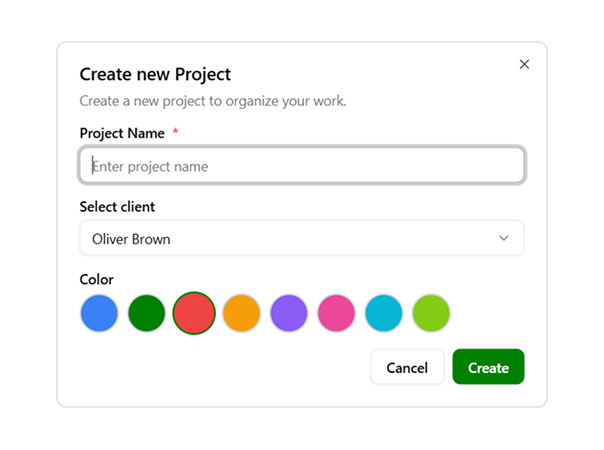
Create projects for each client, case, or legal matter. Organizing work by matter helps lawyers separate billable activities, maintain clarity across cases, and simplify reporting and invoicing.
Track time
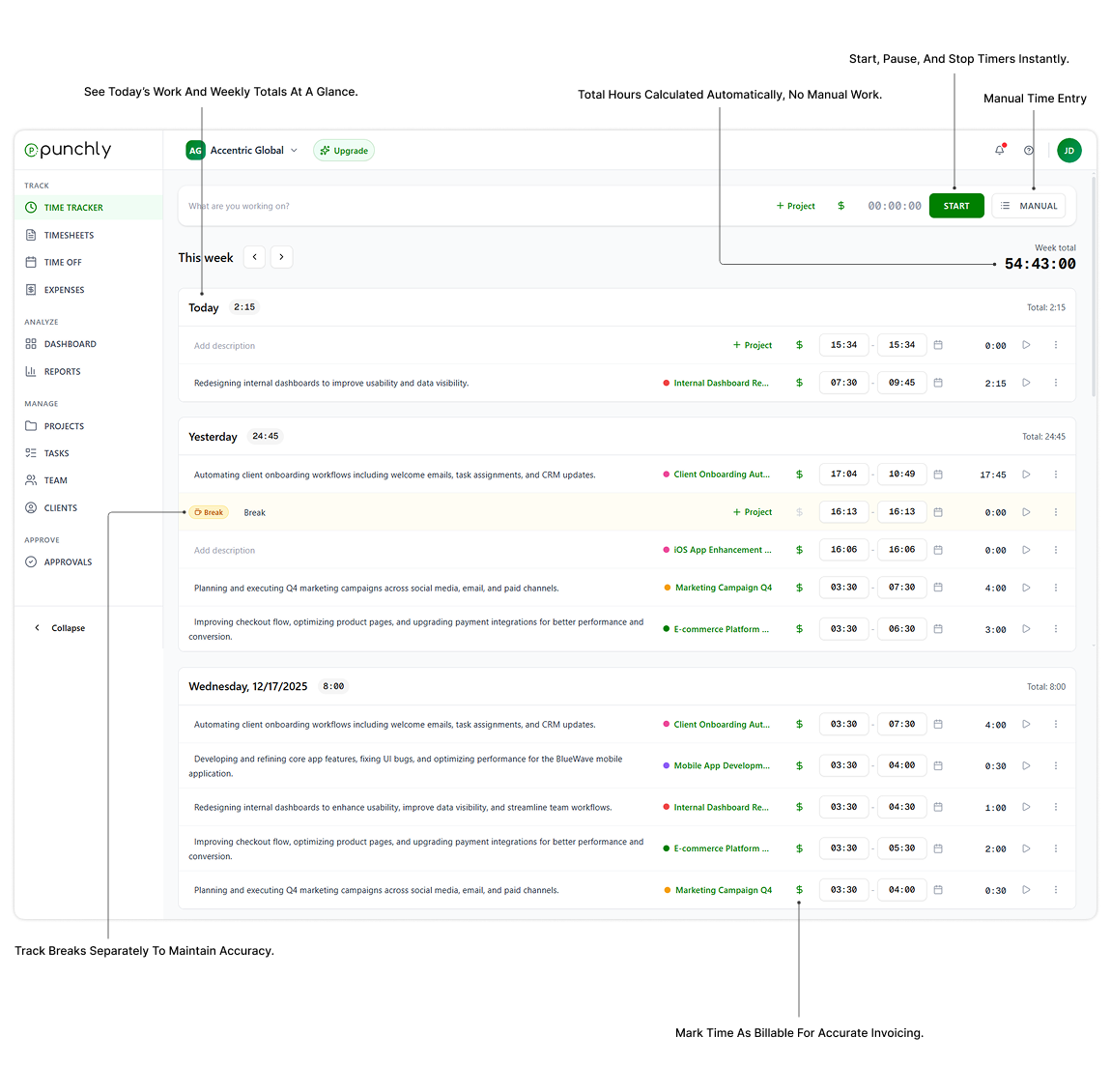
Track time as you work on legal tasks such as research, drafting, meetings, or court preparation. Accurate time tracking ensures every billable minute is captured and properly recorded.
Set hourly rates
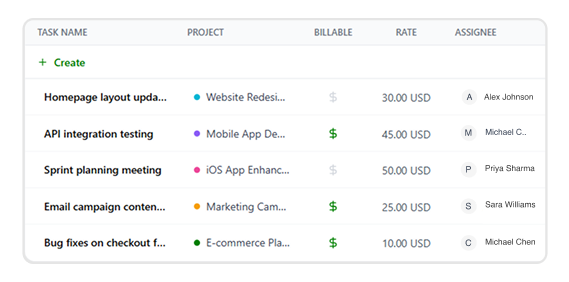
Assign hourly rates based on practice area, case type, or client agreement. Setting rates ensures consistent billing, accurate calculations, and transparency across all legal work.
Export reports
Generate and export detailed time reports for billing and record keeping. Reports help lawyers prepare invoices, review billable hours, and maintain clear documentation for clients and compliance needs.
Start using Punchly for legal work
Track time accurately, bill confidently, and manage legal work with clarity. Designed for lawyers who value precision and accountability.