
Construction time tracking, from the site to the office
Paper timesheets arrive late, in handwriting, with every day rounded to eight hours. Punchly records hours where the work happens: on a shared tablet at the site gate, or on each person’s own phone, with or without signal. The office sees the same day, the same evening.
Kiosk and attendance on the Standard plan, $4 a person a month. Kiosk-only staff $1 each. 7-day free trial of the Pro plan’s features, no credit card needed.
A time clock on any tablet
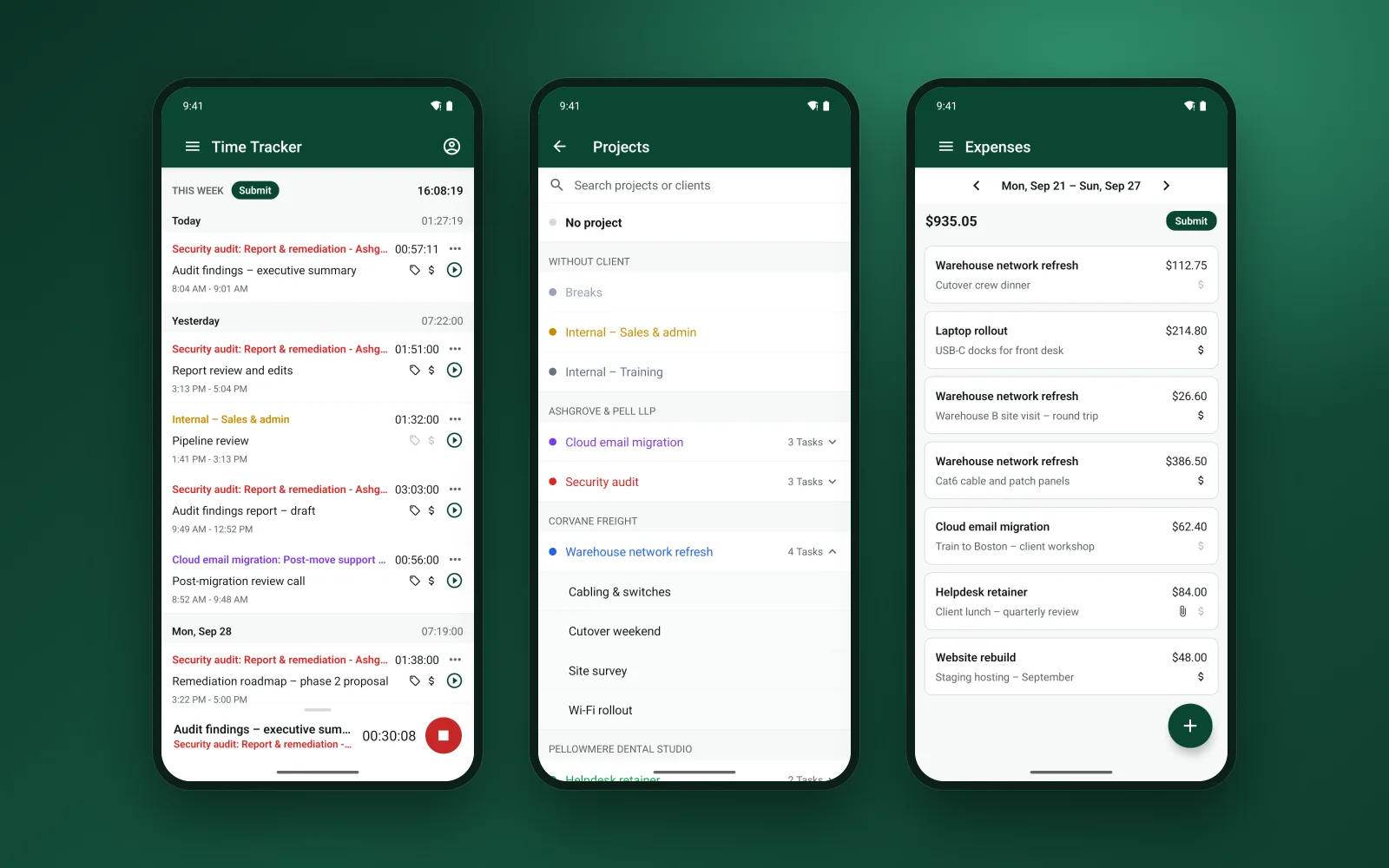
Put a tablet in the site office, open the kiosk in its browser, and the crew clocks in by tapping their name and entering a PIN, or by holding up a printed QR card. There is nothing to buy and no app to install on the tablet.
No email needed. Add laborers as kiosk-only people. They cost $1 a month each, and the first five are included.
Breaks are clocked separately from work.
A photo at each clock in, clock out and break, if you switch it on and people have agreed, for a supervisor to check later (Pro plan).
A forgotten clock-out is put right by an admin, who sets the real end time. As a backstop, when the tablet’s sign-in period ends (4 hours to 7 days after it was paired), anyone still clocked in is clocked out and an admin is told.
More than one site. One person can be on several kiosks, and the hours add up in one timesheet.
Or each person’s own phone
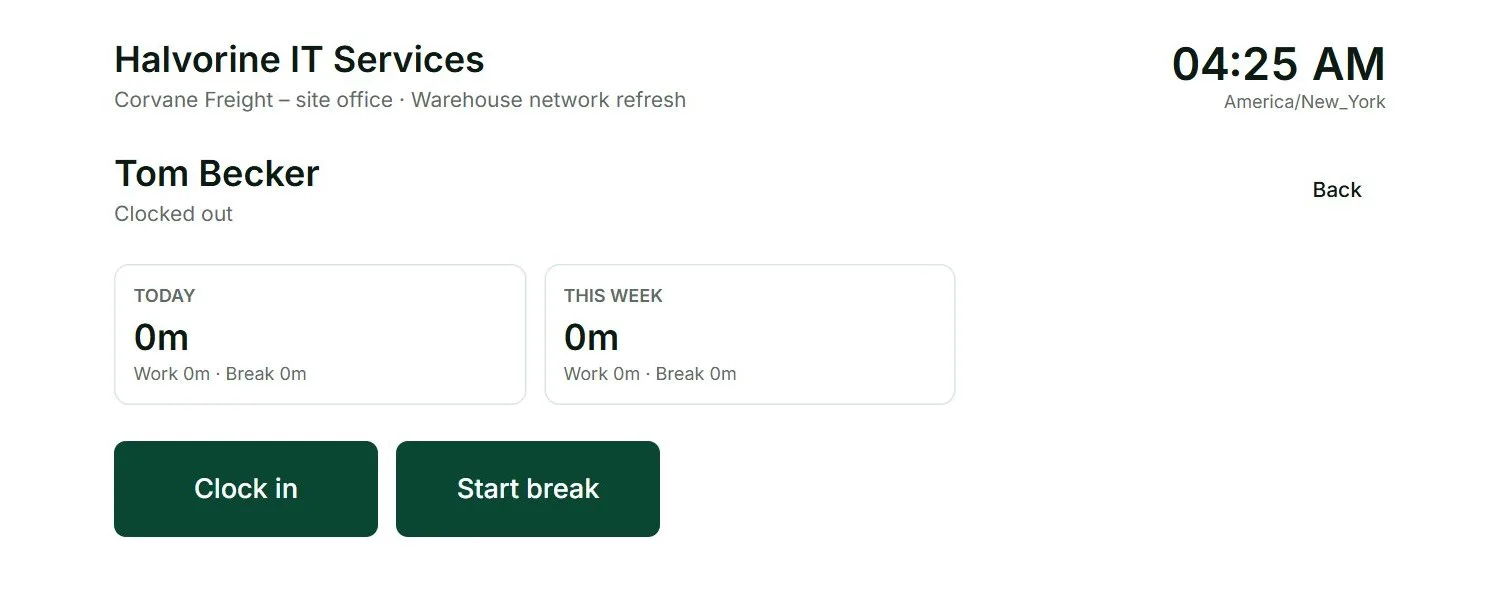
Foremen, engineers and anyone moving between sites can use the phone app. Start the timer on arrival, pick the job and the task, stop on leaving. It works with no signal: time is saved on the phone and sent when it is back online. The kiosk and the phone feed the same timesheet, so a company can use both.
See where the work happened
If you choose to switch location on, the phone app records a point when a timer starts and about every 500 meters (a third of a mile) while it runs, and a manager can see the route on a map. It records only while the timer is running, people are told and asked first, and points are deleted after 7 days. It does not fence a site: Punchly never starts, stops or blocks a timer by location (Pro plan). Learn more →
Hours by job and by task
Make each job a project and its stages or cost codes tasks: site work, framing, electrical, finishing. Give the job an estimate in hours or a budget in money and its status shows how much is used as the work goes on, not when the job is finished and it is too late (estimates on Basic, budgets on Pro).

Overtime you can see before payday
The attendance report lists each person’s start, end, work, breaks and overtime for every day, with overtime counted by day, week or month as you choose. Holidays and approved leave are taken into account. Export it to Excel for whoever runs payroll (Standard plan).
Receipts from the van
Receipts for fuel, materials and equipment rental get lost in glove boxes. With the phone app, a photo of the receipt becomes an expense on the right job on the spot, and mileage is worked out from the distance typed in (Pro plan).
What Punchly is not
Punchly records hours, locations and costs. It does not calculate pay or produce certified payroll reports, it does not manage open shifts or shift swaps, and it has no geofencing. It gives the office accurate hours to work from.
Questions construction teams ask
Something else on your mind? Our team answers from inside the app and by email.
Get this week’s hours without the paper
Start the free trial, set up one job and one kiosk, and clock the crew in tomorrow morning.