
Time tracker for Linux, as a real desktop app
Linux users get a desktop app too, not only a web page. Install the .deb on Ubuntu, Debian or a system built on them and track your time from a small window that keeps counting when the connection drops.
Free on every plan. 64-bit Ubuntu and Debian. 7-day free trial of the Pro plan’s features, no credit card needed.
What the Linux app does
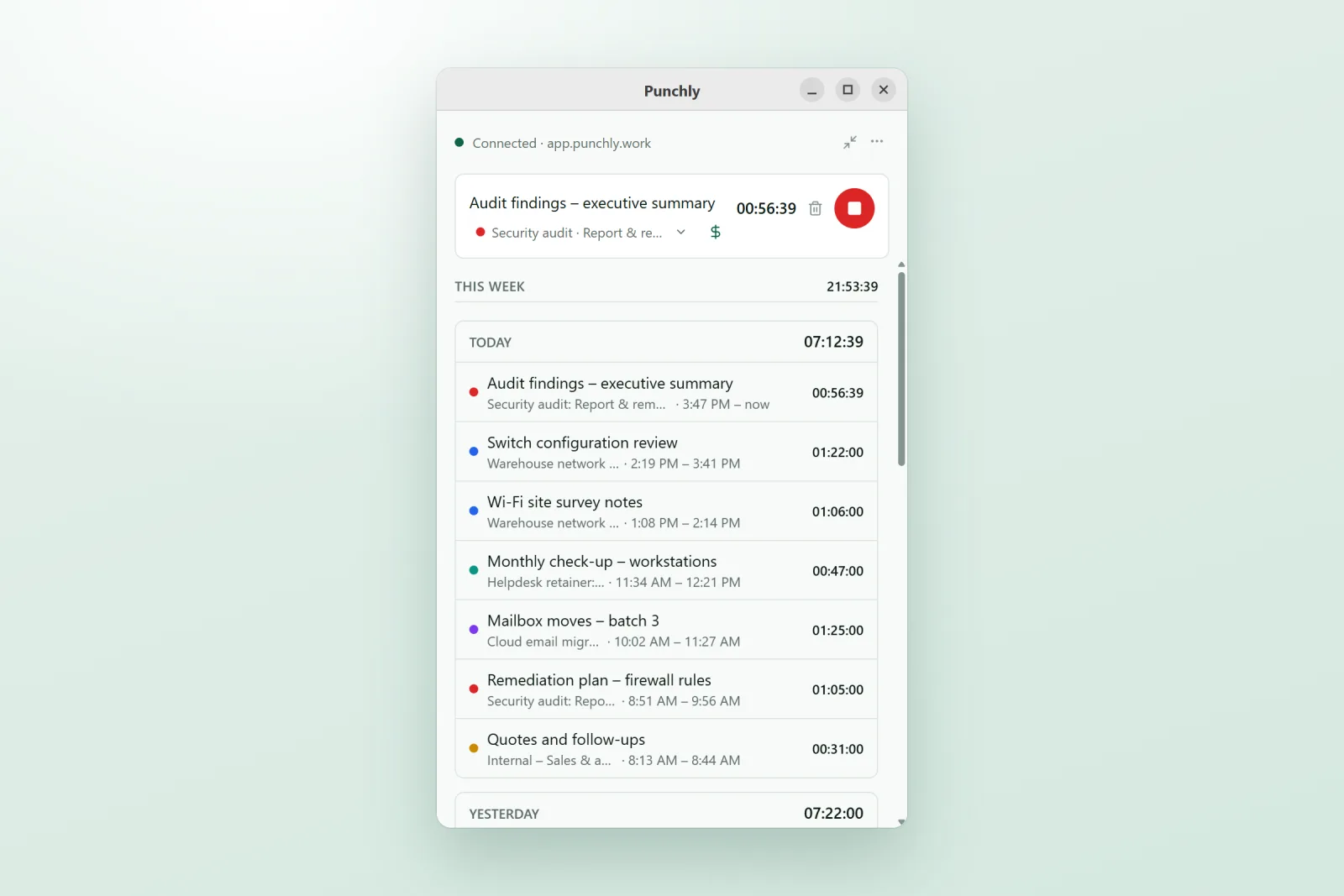
Timer and manual time. Pick a project and task and press Start, or type a length such as 1:30 or 90m for work you forgot to time. Break timers too, if your company uses breaks (Basic plan).
Your last seven days, with continue, edit, split, duplicate and delete on each entry.
Offline. With no connection the app keeps tracking, saves everything on the computer and sends it when you are back online.
Mini timer and tray icon. A one-line bar in place of the full window, and a tray icon to stop the timer or continue the last entry.
Light or dark, or the same as your system.
Install it with one command
Download the .deb, then install it with apt so everything the app needs comes with it:
sudo apt install ./Punchly_*_amd64.debOpen Punchly and press Sign in. Your browser opens; check the computer’s name and press “Pair this computer”. No password is typed into the app.
Good to know on Linux
Linux desktops differ more than Windows or Mac do, so here is plainly what to expect.
One package for now
A .deb for 64-bit Intel and AMD computers. There is no .rpm, AppImage or ARM build yet; on other systems, use Punchly in the browser.
Wayland and X11
Tracking time, working offline and syncing are the same on both. Wayland does not let one app see another app’s windows, so the private “Your day” list of apps used is available on an X11 session only (on Ubuntu, “Ubuntu on Xorg” at the sign-in screen).
Idle time
On computers that can report it, the app asks what to do with the time you were away. The Devices screen in Punchly shows what each computer can do.
Screenshots only if your company uses them
(Pro plan). On Wayland the desktop itself asks you before a screenshot is shared.
Mixed teams, one timesheet
A developer on Ubuntu, a designer on a Mac and a project manager on Windows track into the same workspace, on the same projects, with the same rules. Admins set how the app behaves from Workspace settings, and the Devices screen lists every computer running it, Linux included.
Questions people ask
Something else on your mind? Our team answers from inside the app and by email.
Track time on Linux without a browser tab
Download the .deb, install it with apt and sign in with your Punchly account.