
Tags
Tags are labels for time entries that work across projects, such as “Remote”, “On-site” or “Urgent”. They let reports show, for example, all on-site hours whatever the project.
Where
Tags, in the Manage group
Who sees the screen
Owner and admins
Plan
Free
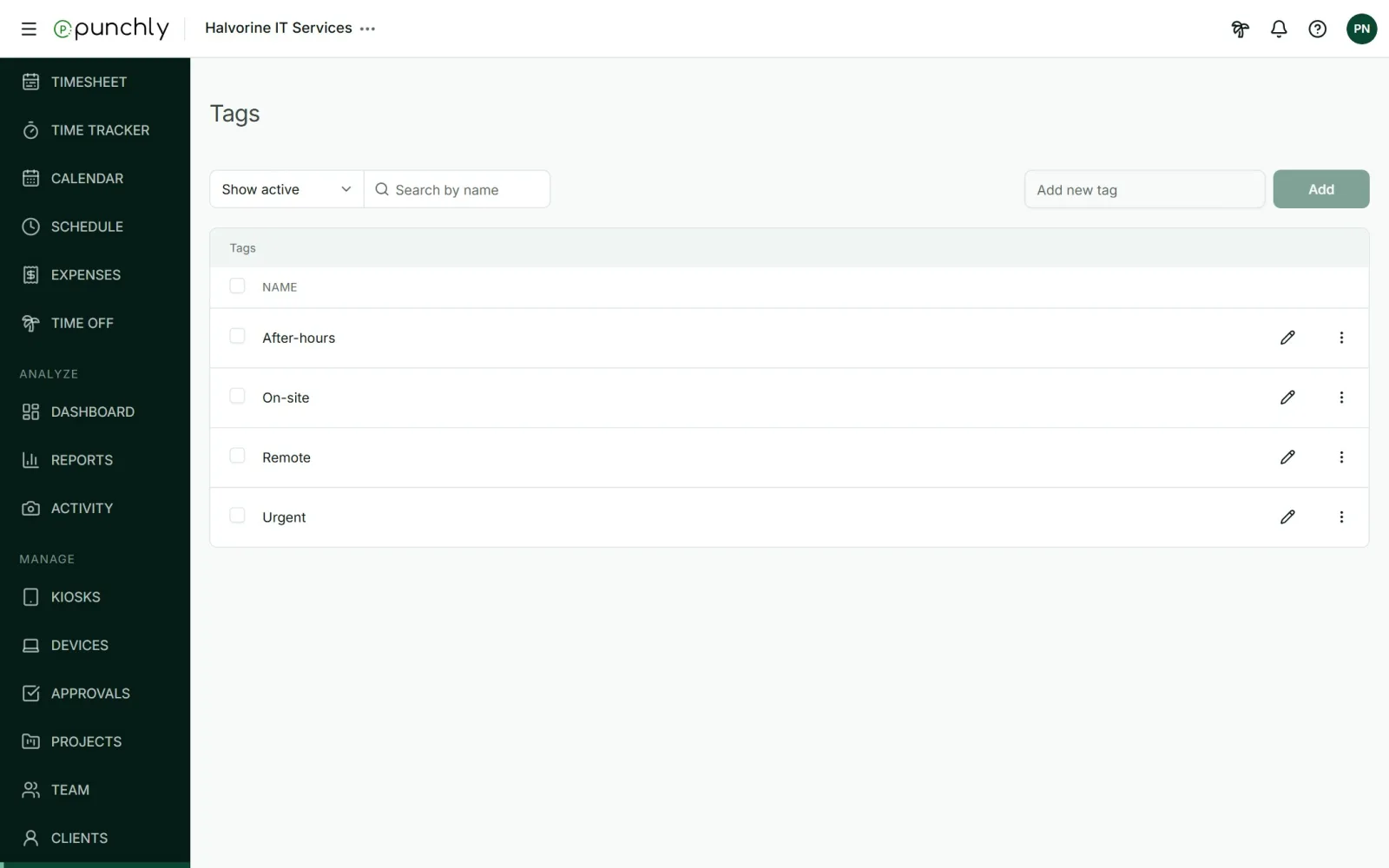
Working with tags
- Add: type a name in Add new tag and press Add.
- Create while tracking: anyone allowed to create tags can type a new one in the tag picker on a time entry.
- Rename: press the pencil. Entries keep the tag under its new name.
- Archive: the tag can no longer be picked for new entries. Entries that have it keep it.
- Delete: only an archived tag can be deleted. It is then removed from every entry that had it.
Who can create tags
The workspace setting Who can create tags is Everyone or Admins. It starts as Everyone.