
Clients
A client is the customer the work is for. Projects are grouped under their client, reports can be filtered by client, and invoices are addressed to them.
Where
Clients, in the Manage group
Who sees the screen
Owner and admins
Plan
Free
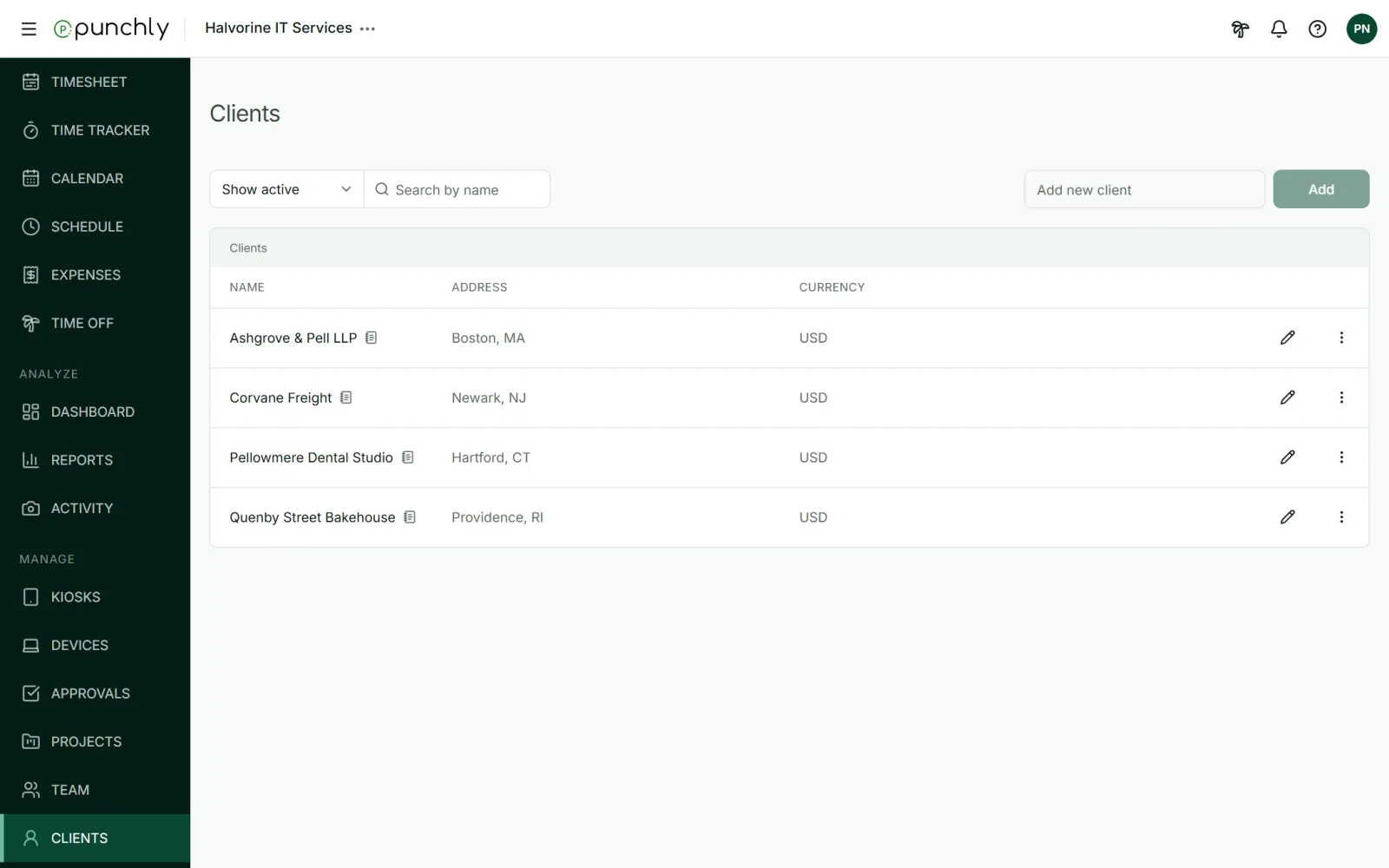
Add and edit
- Add: type a name in Add new client and press Add. Client names must be unique.
- Edit: press the pencil. A client has a name, an email, up to 3 Cc addresses, an address and a note. The email, Cc and address are used on invoices.
- A client can also be created while creating a project, by typing a new name in the client picker.
Archive and delete
- Archive a client you no longer work with. It is no longer offered for new projects. Its projects and time stay. You can choose to archive its projects at the same time.
- Delete works only on an archived client. Its projects are kept, without a client.
Good to know
- Currency: every client is billed in the workspace currency, which is set in Workspace settings.
- Who can create clients follows the same workspace setting as projects: Who can create projects and clients.