
Log in
Logging in works the same way as signing up: Google, Microsoft, or a code sent by email. There is no password to remember or reset.
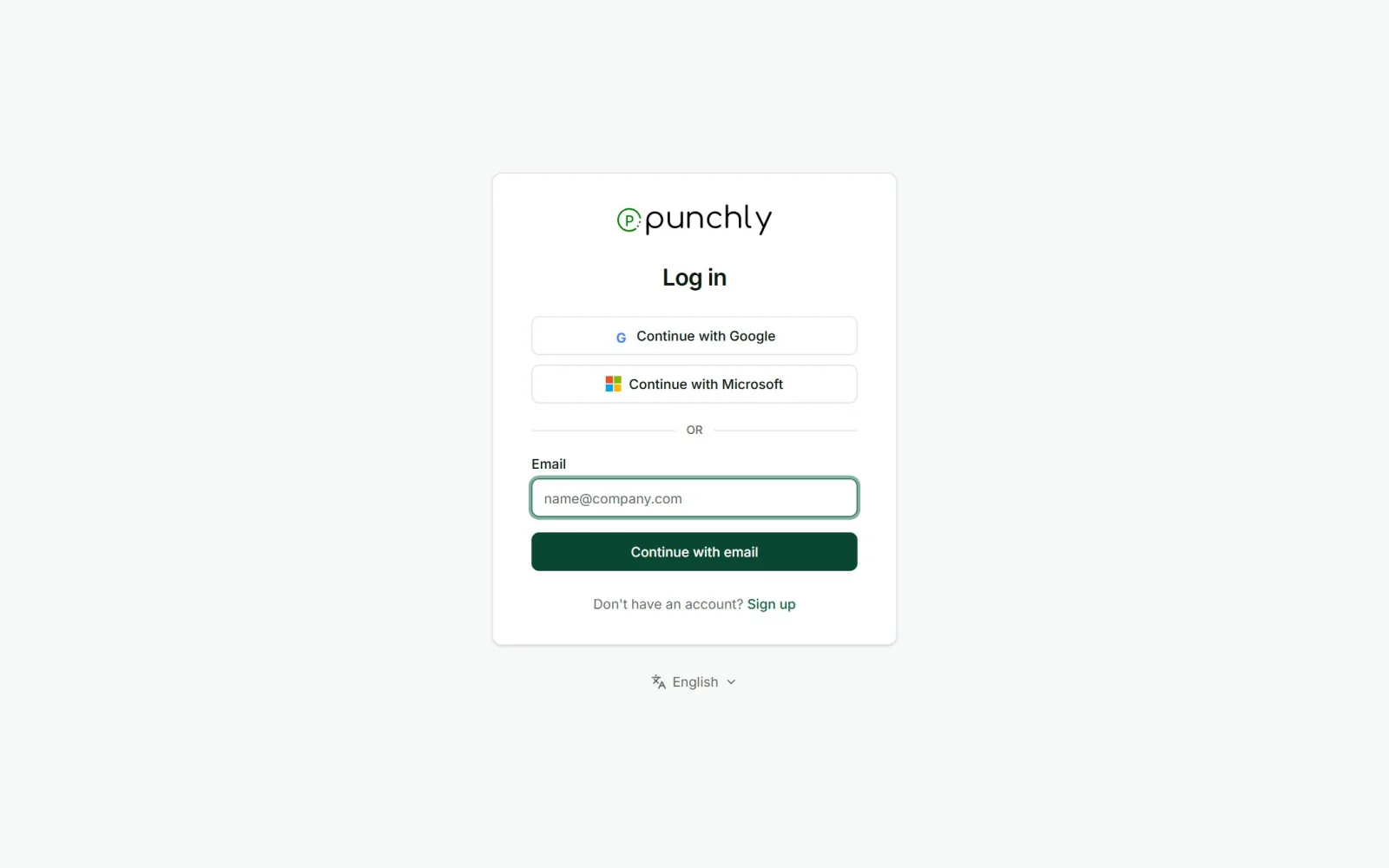
Steps
- Open app.punchly.work.
- Choose Google or Microsoft, or type your email and press Continue with email.
- With email, type the 6-character code from the email, or click the link in it.
Questions people ask
- “I did not get the code.” Check spam, wait 30 seconds, then ask for a new one. Or use Google or Microsoft if the email address is the same.
- “It says too many attempts.” Punchly limits how many codes one email can ask for, and how many wrong codes can be tried. Wait the time shown on screen and try again.
- “Can I use Google one day and email the next?” Yes. The account is the email address. Any of the three ways opens the same account.
- “How do I log out?” Click your initials at the top right and choose Log out.