
Time off policies and holidays
A policy is a kind of leave, such as Vacation or Sick leave, with its own rules: who gets it, how it is earned, and whether it needs approval. Holidays are the days the whole company is off.
Where
Time off, Policies and Holidays tabs
Who
Owner and admins
Plan
Standard
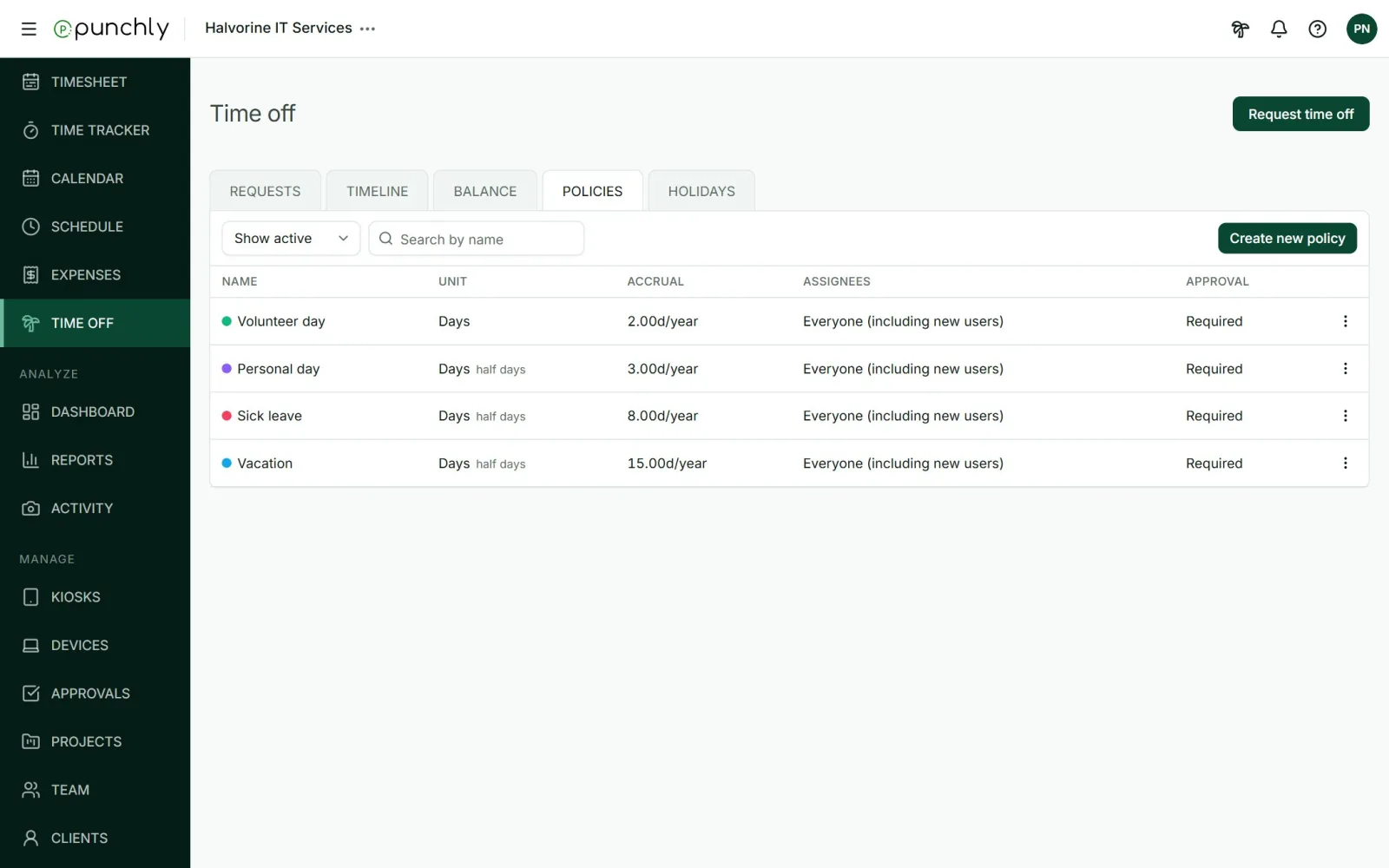
Create a policy
Press Create new policy and set:
- Name and colour.
- Assignees: everyone, including people who join later, or chosen groups and people.
- Time unit: days or hours. With days, you can allow half days.
- Requires approval: and if so, who can approve. Admins always, team managers for their team, and named members.
- Who can request: the people it is assigned to, or only a manager on someone’s behalf.
How balance is earned
Under Balance setup:
- Starts from: the day and month the leave year begins.
- Automatically accrues: an amount per month, per year, or every few months. Punchly adds it by itself.
- Balance expires: how long earned leave stays usable, from the current year up to 5 years.
- Limit what carries over: the most that moves into the next year.
A policy without automatic accrual starts at zero. An admin then adds each person’s balance on the Balance tab.
More options
- Automatically create time entries for approved time off: adds one non-billable entry per day of leave, the length of the person’s working day, on a project you choose. Useful when leave must appear in time reports.
- Allow negative balance, with an optional limit, and whether it resets at the end of the period.
A policy that is no longer used is archived. It then takes no new requests. Existing requests and balances stay.
Holidays
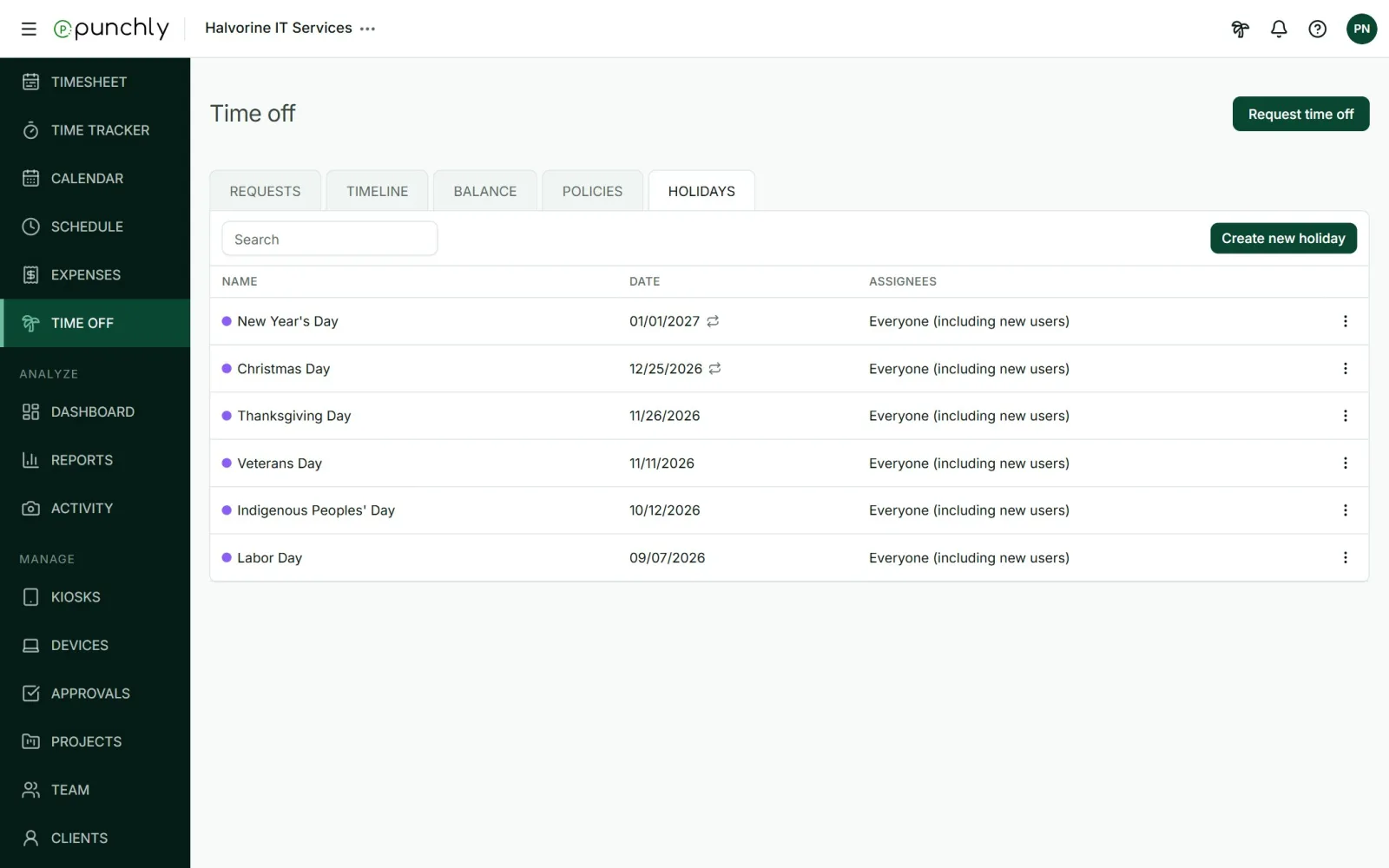
- Press Create new holiday. Give it a name, a first and last day, and who it applies to.
- Tick Occurs annually for a holiday that falls on the same date every year.
- A holiday is not counted when someone requests leave across it, and people have no capacity on that day.
Switching time off on or off
In Workspace settings, General, Time off: Activate time off. When it is off, the Time off screen and the palm tree button are hidden.