
More than one workspace
One account can belong to several workspaces, for example a freelancer working for two companies, or a group with separate companies. Each workspace has its own people, projects, settings and plan.
Switch
Click the workspace name at the top. The menu lists your workspaces with your role in each. Click one to switch.
Manage workspaces
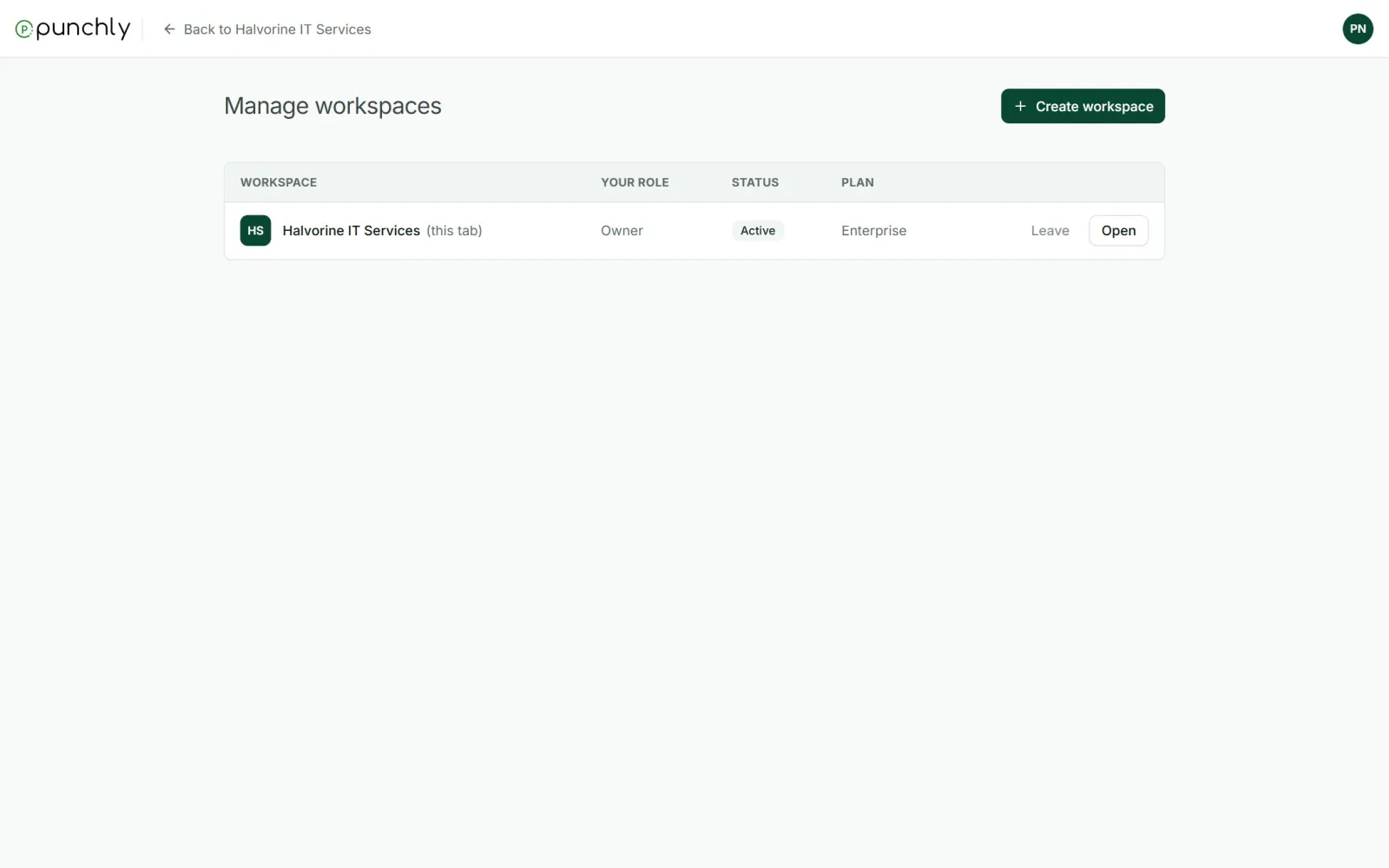
Open it from your initials or from the workspace menu. For each workspace it shows your role, whether you are active or invited, and, for owners and admins, the plan.
- Open goes to it.
- Accept or Decline an invitation that is waiting.
- Leave a workspace you no longer work in.
Create another workspace
- Press Create workspace.
- Give it a name. Currency and time zone are optional.
- Press Create, then invite people or skip.
A new workspace starts with default settings and its own 7-day trial. Nothing is copied from your other workspaces. You are its owner.
Leave a workspace
After leaving you lose access. Your time stays in the workspace under your name. To come back, an admin has to invite you again. The owner cannot leave: they transfer ownership or delete the workspace first.