
Notifications and emails
Punchly tells people about things that need them in two ways: under the bell inside the app, and by email. Phone app users can get push notifications too.
The bell
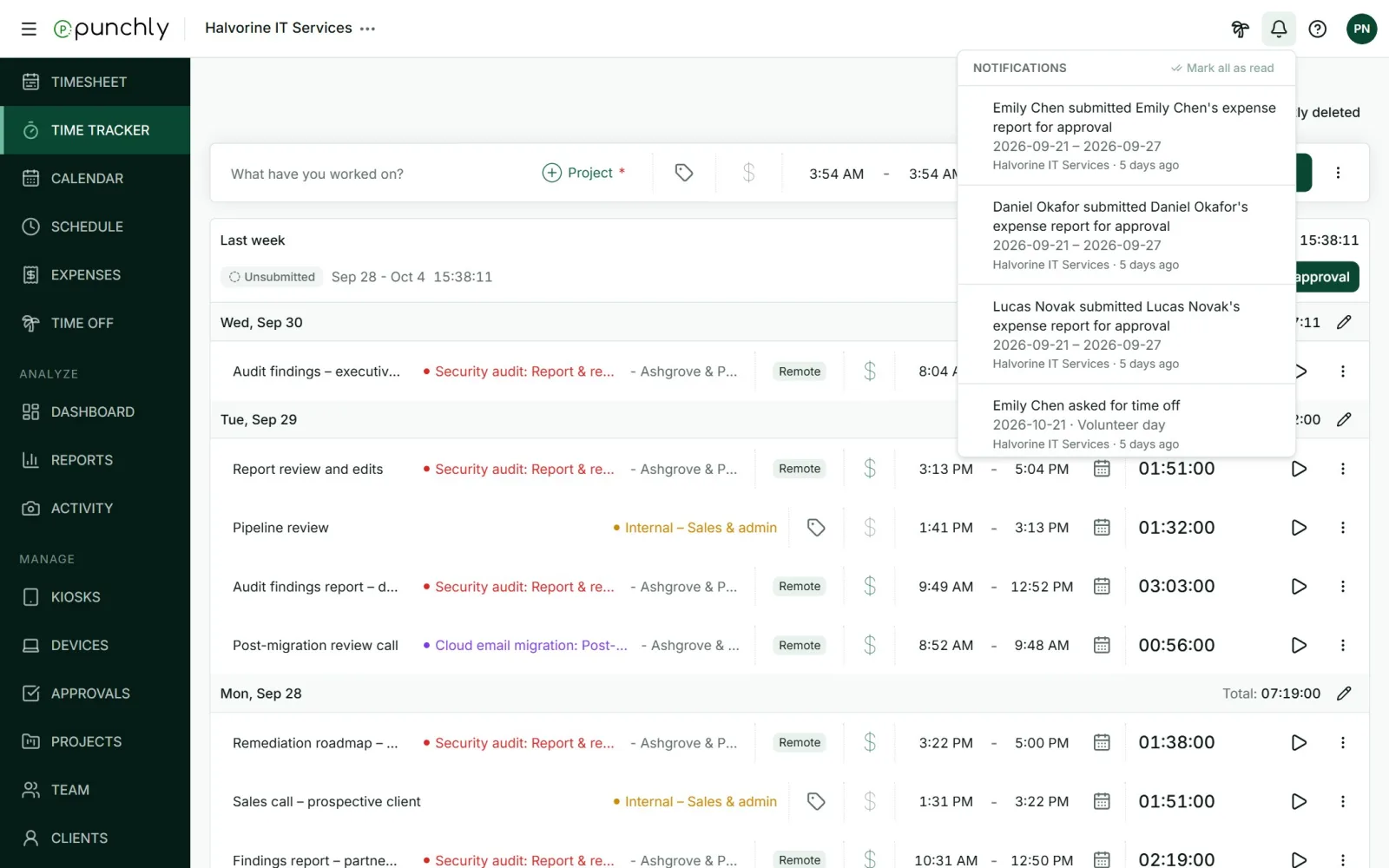
- A number on the bell shows how many are unread.
- Click a notification to mark it read and go to the right place: the timesheet, the request, the invoice.
- Mark all as read clears the count.
What people are told about
| Team | An invitation to a workspace. Someone accepted or declined your invitation. Someone left the workspace. |
| Approvals | A timesheet or expenses waiting for your approval. Yours was approved or rejected. Reminders to submit or approve. |
| Time off | A request waiting for you. Yours was approved or rejected. Your balance changed. A holiday was added. |
| Expenses | Someone recorded, changed or deleted an expense for you. |
| Schedule | The schedule was published. Your assignment changed or was removed. |
| Projects | A project reached a set share of its estimate. |
| Invoices | An invoice was sent, paid or is overdue. |
| Kiosks | A device was paired or revoked. Someone was clocked out automatically. |
| Integrations | A connection needs reconnecting. |
| Billing | The trial is ending or has ended. Receipts and failed payments. |
Choosing what you get
Each person chooses in their profile, on the Notifications tab. See Your profile. Some emails are always sent: sign-in codes, invitations, reminders from an admin, and billing messages.