
Import data
A company moving to Punchly can bring its clients, projects and past time with it from a spreadsheet file.
Where
Workspace settings, Import tab
Who
Owner and admins
File
CSV or another delimited text file, up to 10 MB
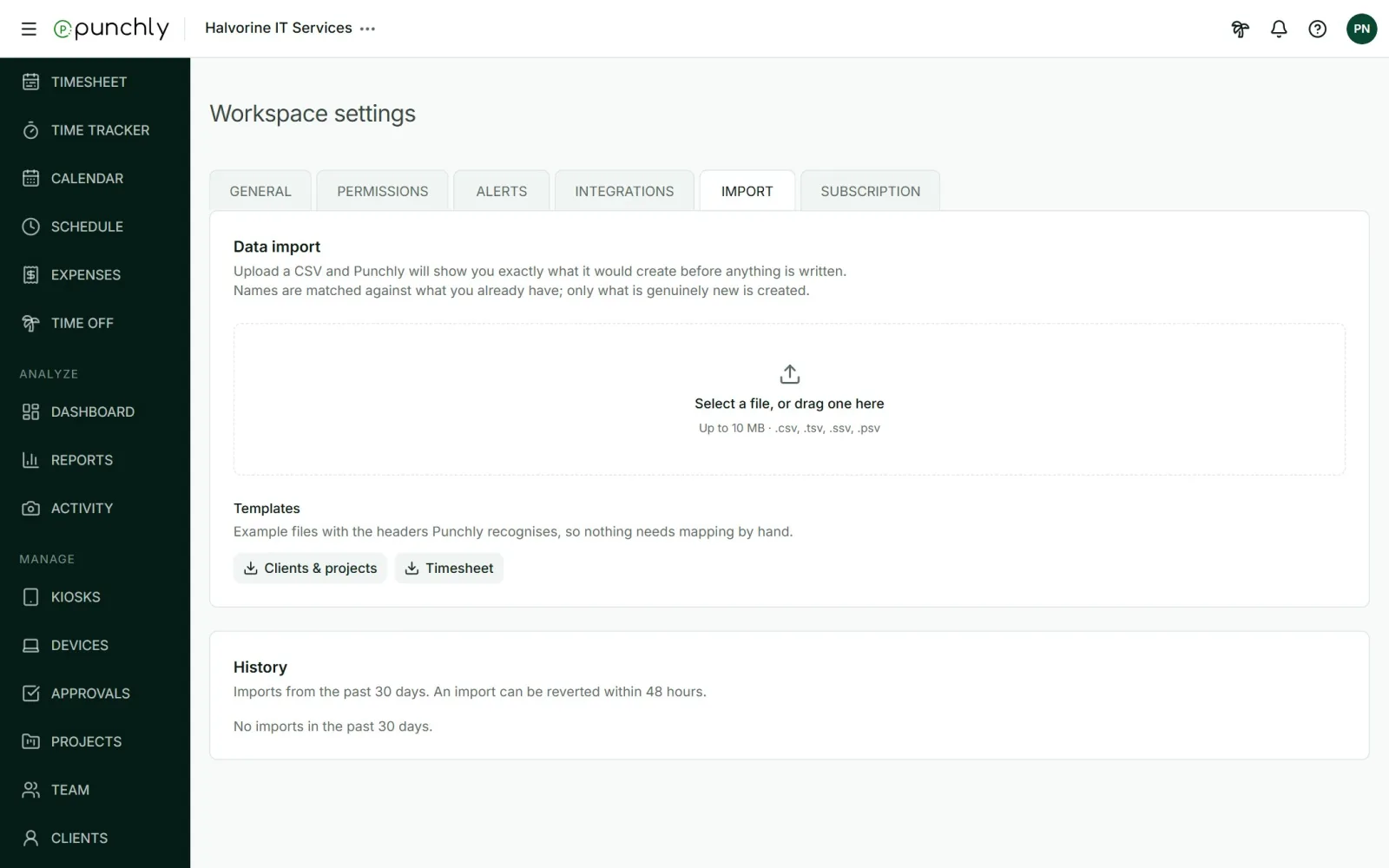
What can be imported
- Clients and projects: columns for Project, Client, Task and Tags.
- Timesheet: past time entries. Columns for Project, Email, Start date, Start time and Duration are required. Client, Task, Tags, Description and Billable are optional.
An example file for each can be downloaded from the tab, under Templates.
Steps
- Select the file, or drag it in.
- Say what it holds, and for time, which date format it uses.
- Match each column of your file to a Punchly field.
- Check the preview. It says how many rows will be imported and which will be skipped, with the reason.
- Press Import.
Good to know
- Nothing is written until the final step.
- Names are matched to what already exists. Only new clients, projects, tasks and tags are created.
- An import never invites people. Time for an email address that is not in the workspace is skipped.
- Excel files are not read directly. Save the sheet as CSV first.
- An import can be undone within 48 hours. Under History, press Revert this import. Only what that import created is removed.