
Contact support
If this guide does not answer your question, the Punchly team can be reached from inside the app.
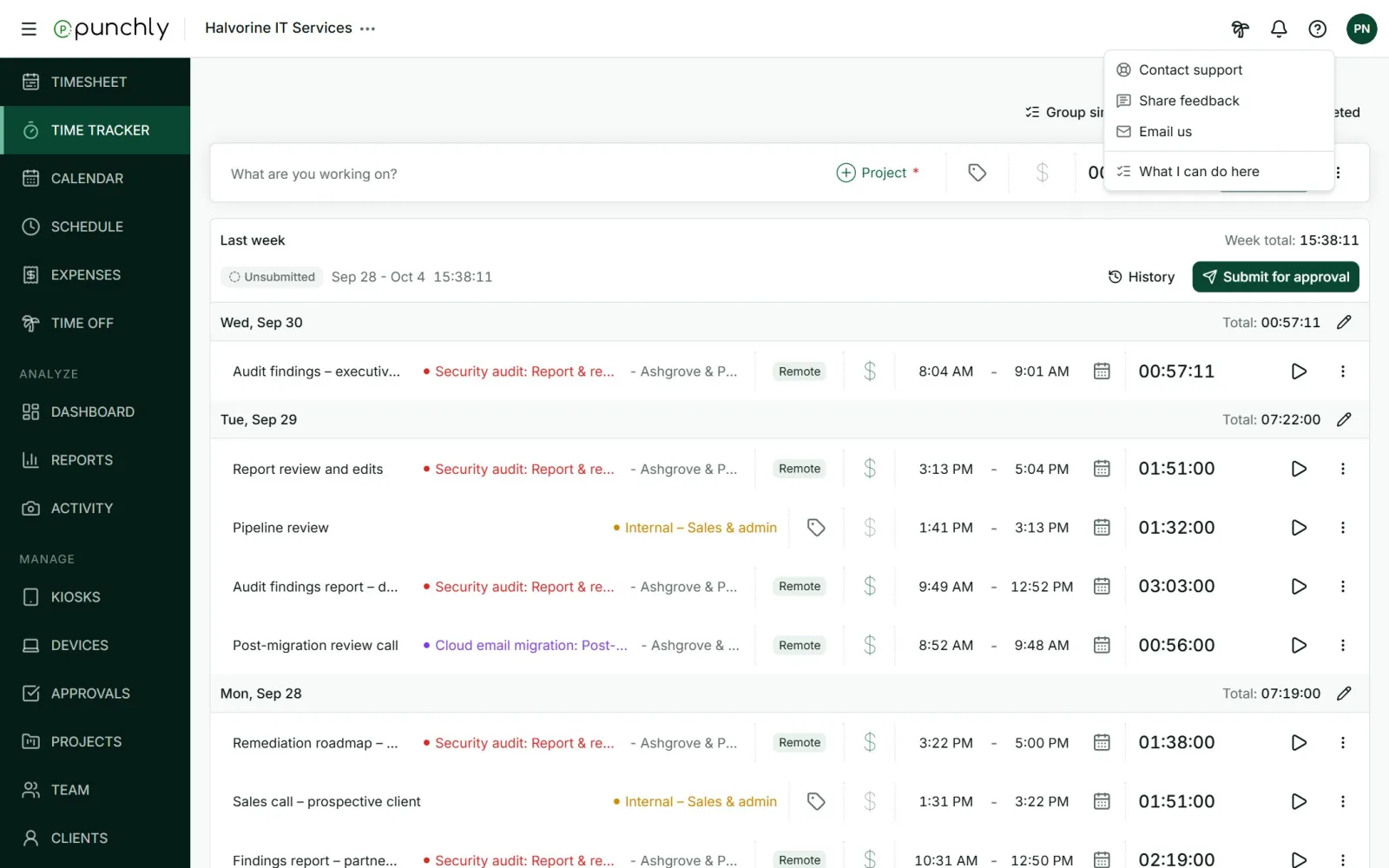
- Contact support: opens a form to describe the problem. It fills in which app you are using for you.
- Share feedback: for ideas and suggestions.
- Email us: to write from your own email.
The same options are in the desktop app’s menu and under Help and feedback in the phone app.
What helps us help you
- The exact words of any message on the screen.
- What you were doing just before.
- The workspace name, and whether you are an owner, admin, manager or member.
- A screenshot.